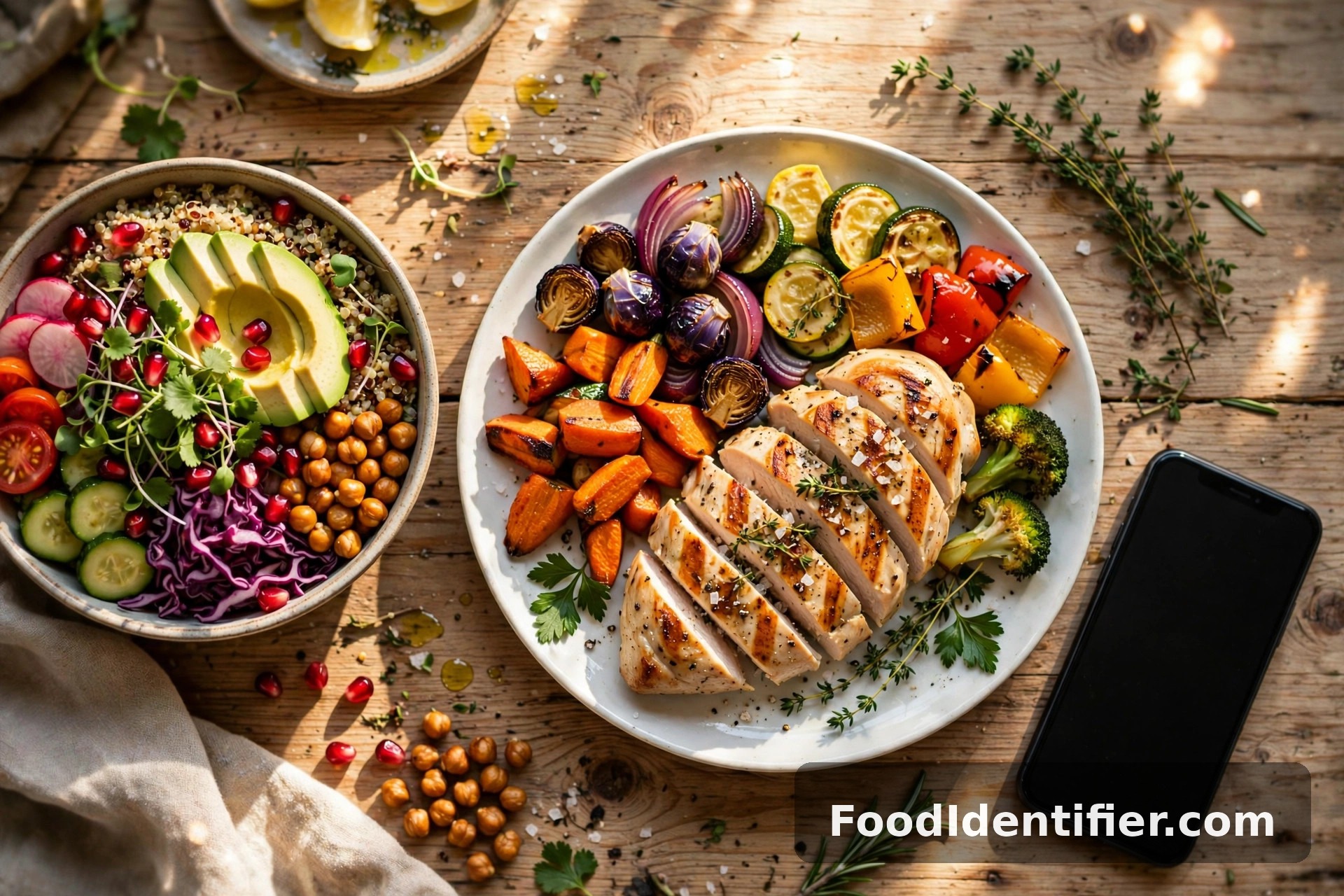
You downloaded the app. You logged breakfast with real enthusiasm. By day nine you were guessing at portions. By day twenty the app was just sitting on your home screen, silently judging you.
That's not a willpower problem. Tracking apps demand something almost nobody can sustain: typing every bite into a database, three times a day, forever. Most people quit logging within weeks — and the ones who stay spend more time fighting the food search than thinking about their food.
The good news: you don't need the app. There are seven solid ways to count calories without a tracking app, and I've ranked them below from fastest to slowest, with honest notes on accuracy and who each one suits.
Want the fastest method right now? Photograph your plate at foodidentifier.com and get your calories in about 5 seconds — free, no app, no sign-up.
Why everyone quits tracking apps
It always starts the same way. You're motivated, you scan a barcode, you feel in control. Then real life shows up.
You're at a restaurant and the dish isn't in the database — or worse, it's in there twelve times with twelve different calorie counts, ranging from 400 to 1,100. Which one is right? You pick one at random and your "precise" log is now fiction.
Then there's the social tax. Nobody wants to be the person typing into their phone while everyone else is eating. So you tell yourself you'll log it later. You won't. Later becomes never, and the gap in your log makes the whole day feel ruined, so you stop opening the app entirely.
The research pattern is consistent: food logging works when people do it, and almost nobody keeps doing it. The friction isn't you — it's the method. Every approach below removes the typing. That's the whole trick.
The short answer: how to count calories without a tracking app (7 ways at a glance)
Count calories without a tracking app seven ways: photograph your meal for an AI scan, use the palm-and-hand portion guide, do quick label math, rotate 15 known meals, check chain menus before ordering, dictate voice notes, or track a weekly average. Fastest is a free photo scan at foodidentifier.com — calories in 5 seconds, no app, no account.
Now the full breakdown, ranked.
Method 1: Photograph your food — the fastest way to count calories without a tracking app
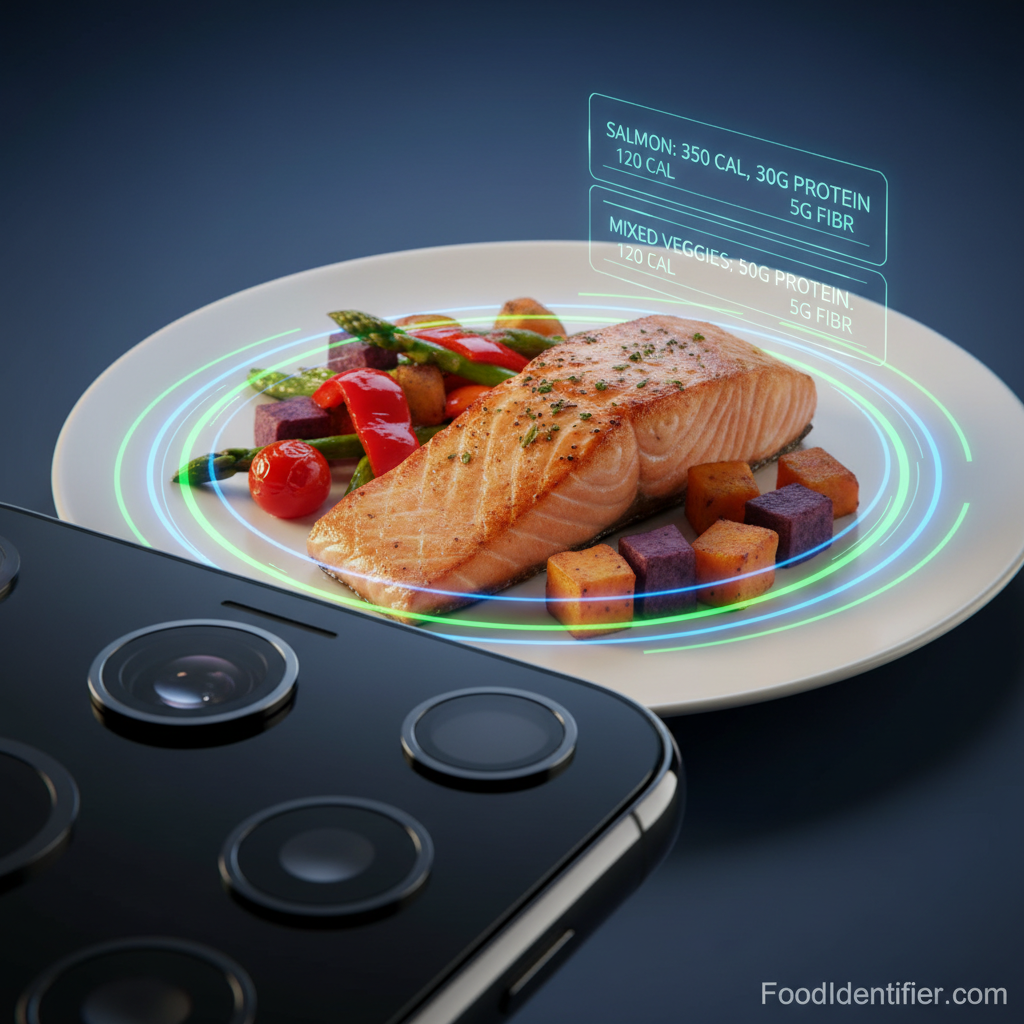
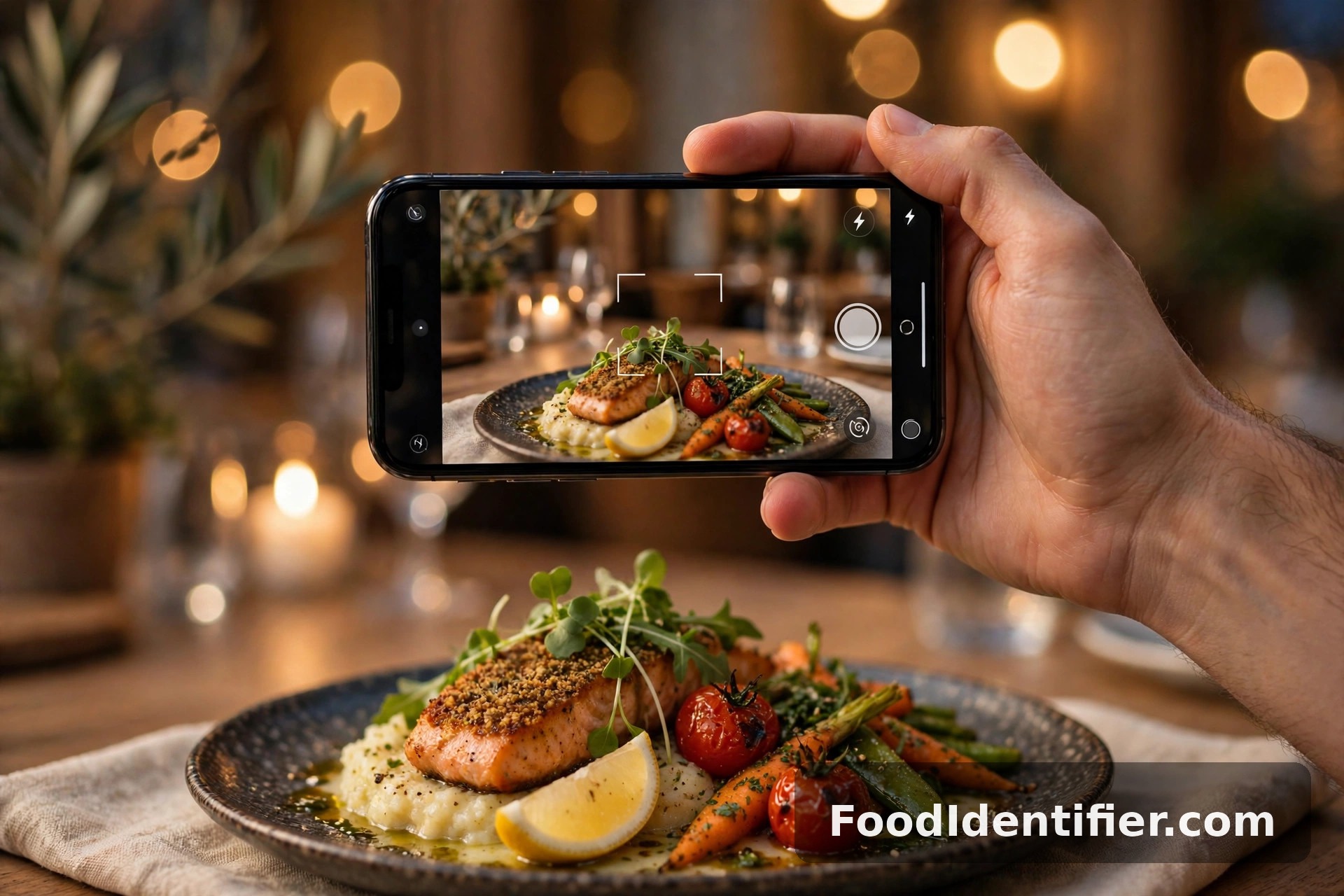
This is the closest thing to a tracking app without the tracking app. You take a photo of your plate, and AI identifies the foods and portions and hands you the calorie count.
Here's how it works in practice: open foodidentifier.com in your phone's browser, tap the camera button, and photograph your meal. About five seconds later you get calories, protein, carbs, fat, fiber, and a blood-sugar impact estimate. No account, no download, no typing "grilled chicken breast" and scrolling past fourteen entries.
Accuracy: surprisingly good for a no-effort method. Best results come from good lighting, the whole plate in frame, and confirming the portion size it suggests. Restaurant plates and home cooking both work. Packaged food works too — point the camera at the nutrition label and it reads it directly.
Best for: everyone, honestly. It's the only method here that's both fast AND specific to what's actually on your plate. If you do one thing from this article, do this: scan your next meal free.
Method 2: The palm and hand portion method
No phone, no tools — just your hand. It's always with you, and it scales with your body size, which is the clever part.
The rules are simple:
- Your palm (no fingers) = one serving of protein, roughly 3–4 oz of meat or fish. That's about 120–180 calories depending on the cut.
- Your fist = one serving of vegetables or a cup-ish of cooked grains. Veggies: 30–50 calories. Rice or pasta: around 200.
- Your cupped hand = one serving of fruit or a snack portion. An apple: ~95. A handful of chips: ~150.
- Your thumb = one serving of fats. A thumb of peanut butter: ~100 calories. A thumb of olive oil: ~120.
Add them up as you eat. A lunch of one palm of chicken, one fist of rice, and one fist of broccoli lands around 450–500 calories. You won't be exact — you'll be within 15–20%, which is plenty for weight management.
Accuracy: moderate. Where it breaks down is calorie-dense foods — oils, sauces, cheese — where a thumb-sized error swings 100+ calories. Pair it with honesty about fats and it holds up well.
Best for: eating out, travel, and anyone who wants zero tools.
Method 3: Label math (the 10-calorie rule)
For packaged food, the label does the work — you just need two numbers: calories per serving and number of servings you actually ate.
The trap everyone falls into: the "serving" is smaller than what you ate. That bag of chips says 150 calories per serving and contains "about 3 servings." You ate the bag. That's 450, not 150. Multiply first, regret never.
The shortcut worth memorizing is the 10-calorie rule: for packaged foods, every 10 calories per gram of protein... no wait, simpler — the rule from the protein world crosses over here: a food with 10g of protein and 100 calories is a genuinely high-protein food. But for pure calorie counting, the only math that matters is serving × servings eaten.
Keep a running daily tally in your phone's notes app or on paper. Three numbers per meal is all it takes: "lunch — sandwich 450, chips 150, apple 95 = ~700."
Accuracy: high for packaged food, since labels are regulated. Useless for restaurant and homemade food — that's what Methods 1 and 2 are for.
Best for: desk lunches, snacks, and anyone who eats a lot of packaged food.
Method 4: The 15-meal rotation
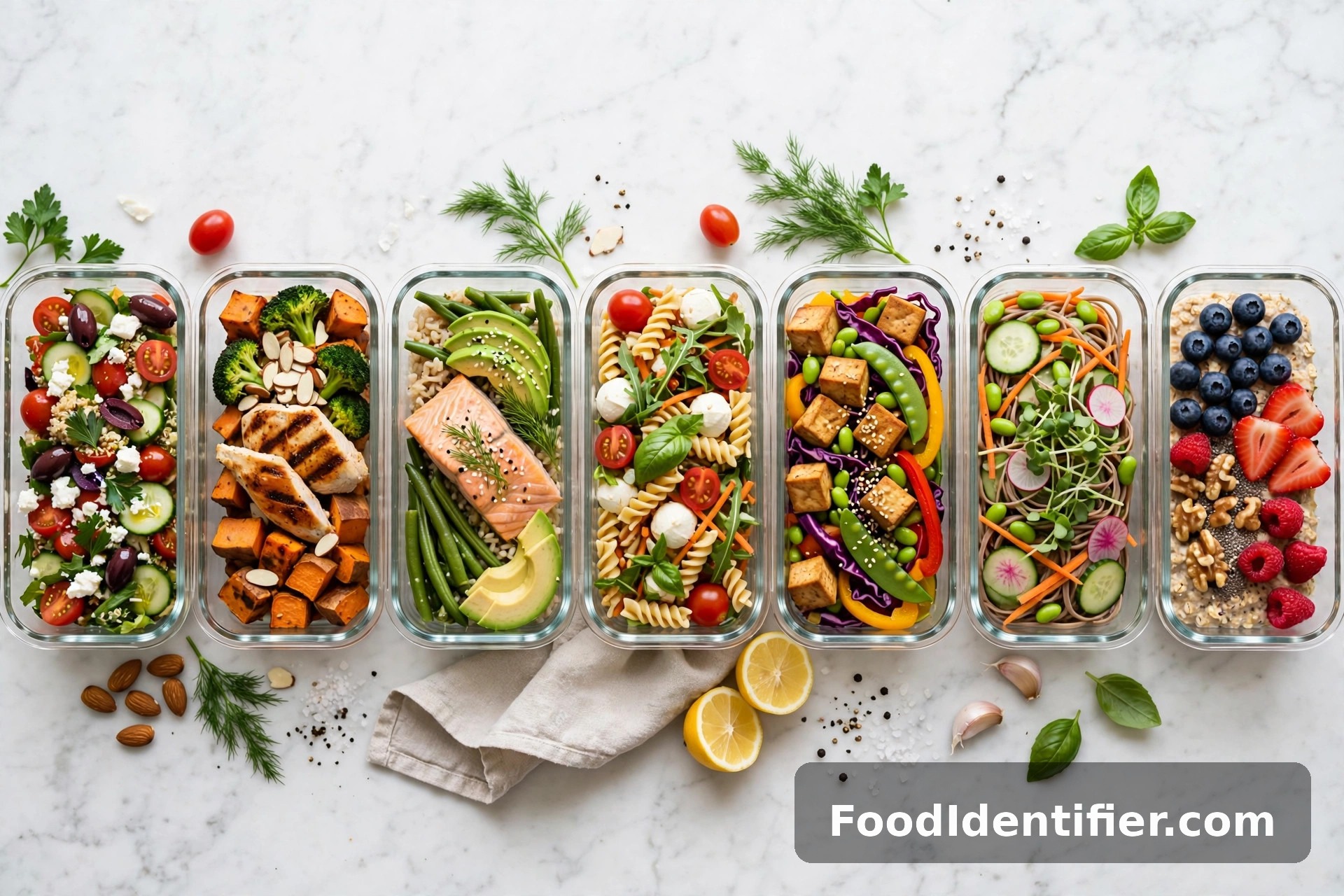
This is the method nutrition coaches quietly love. Instead of counting every new meal, you build a personal menu of about 15 meals whose calories you know cold — then you rotate.
Spend one weekend figuring out the calories for your regulars: your usual breakfast (oatmeal with banana and peanut butter — ~450), your work lunch (turkey sandwich + fruit — ~550), your three go-to dinners. Write them on a card on your fridge. From then on, there's nothing to count. You already know.
The magic is that most people eat the same 15–20 meals on repeat anyway. You're not restricting variety — you're just finally measuring the variety you already have.
Accuracy: high, because each meal gets counted carefully once instead of sloppily every day.
Best for: routine people, meal preppers, and anyone whose eating is 80% habits.
Method 5: Chain restaurant lookup (before you order)
Every major chain publishes its nutrition info — it's the law in the US for chains with 20+ locations. The move is to look BEFORE you order, not after.
Waiting in the drive-thru line? Pull up the chain's nutrition page and pick your order by the numbers. Decide in advance: "I'm getting the grilled chicken wrap (~350) and water." Decision made before the smell of fries hijacks your brain.
This pairs beautifully with Method 1: look up the menu to choose, then photograph your actual order to check what arrived — because the "light" salad with double dressing is never as light as the menu claims.
Accuracy: high for the menu item as described. Lower for anything customized or sauced differently than standard.
Best for: fast food, coffee chains, and anyone who eats out more than twice a week.
Method 6: Voice-note logging
Talk instead of type. After each meal, open your phone's voice recorder and say what you ate: "Lunch — big salad with chicken, olive oil dressing, a roll. Probably 600."
That's it. Thirty seconds, hands-free, no database. At the end of the day, listen back (or glance at the auto-transcript) and add up rough numbers. Most people can estimate their own meals within 20% once they've done it for a week — you learn fast what your regular meals cost.
The underrated benefit: hearing yourself say "third slice of pizza, roughly 300 more" out loud changes behavior in a way silent typing never does.
Accuracy: moderate — it depends on your estimating skill, which improves fast.
Best for: drivers, parents, and anyone whose hands are never free at mealtimes.
Method 7: The weekly average (for maintainers)
If you're maintaining rather than actively losing, you can skip daily counting entirely. Weigh yourself once a week, same day, same conditions. Weight stable? Your calories are right where they need to be — no counting required.
If the scale creeps up two weeks in a row, tighten one thing: smaller dinners, or cut the nightly snack, or add a daily walk. You're steering by outcomes instead of inputs.
This isn't precise enough for aggressive fat loss, but for maintenance it's the lowest-effort method that actually works — because the scale doesn't lie about the average.
Accuracy: n/a — it measures results, not intake. That's the point.
Best for: maintainers and anyone burned out on numbers entirely.
The laziest accurate method is still the photo. Try it on your next meal — free at foodidentifier.com, no app, no sign-up.
Which method should you use? (comparison table)
| Method | Speed | Accuracy | Effort | Best for |
|---|---|---|---|---|
| 1. Photo scan | ~5 sec/meal | High | Near zero | Everyone |
| 2. Palm/hand | Instant | Moderate | Near zero | Eating out, travel |
| 3. Label math | 1 min/meal | High (packaged) | Low | Packaged-food eaters |
| 4. 15-meal rotation | 0 sec (after setup) | High | One-time setup | Routine eaters |
| 5. Chain lookup | 2 min/order | High | Low | Frequent eaters-out |
| 6. Voice notes | 30 sec/meal | Moderate | Low | Busy hands-free life |
| 7. Weekly average | 1 min/week | Outcome-based | Minimal | Maintainers |
The honest recommendation: combine Method 1 with one other. Photo-scan your main meals, use the palm method when you're out with friends and don't want your phone out. That combo covers 95% of real life.
Counting protein instead of full calories? Same no-app philosophy, one number to watch: here's how to track protein without an app.
How accurate is it to count calories without a tracking app?
Let's be real about what "accurate" needs to mean. You don't need lab-grade numbers — you need numbers consistent enough to steer by. Being within 10–20% of your true intake, day after day, is enough to lose, maintain, or gain on purpose. Every method above clears that bar except on the days you're guessing blind.
The biggest accuracy leaks aren't the methods — they're the same three culprits every time: cooking oils (120 calories per tablespoon, and nobody measures), sauces and dressings (the difference between a 400-calorie salad and an 800-calorie one), and drinks (that "coffee" with syrup and cream is a dessert). Whatever method you pick, be honest about those three and your numbers will be trustworthy.
If you want a target to count toward, run the numbers once through a free calorie calculator — then use any method above to eat to it.
FAQ
Can you really count calories accurately without an app?
Yes — within 10–20%, which is enough to manage your weight. Photo scanning, label math, and the 15-meal rotation are the most accurate no-app methods. Consistency matters more than precision: the same small error every day still lets you steer.
What's the easiest way to count calories without tracking?
Photographing your meal with a free AI scanner. It takes about 5 seconds, requires no account, and gives you calories plus macros. The palm method is the easiest fully manual option.
How do I count calories at a restaurant without an app?
Use the palm-and-hand method for portions, check the chain's published nutrition before ordering, and photograph your plate for an instant estimate. Watch the sauces — ask for dressing on the side.
Do I need to count every calorie to lose weight?
No. You need a consistent, roughly accurate picture of your intake. Many people lose weight successfully with the 15-meal rotation or weekly-average method and never log a single day in an app.
Why did I stop losing weight when I quit my tracking app?
Probably not the app — probably the awareness. The app forced you to notice. Replace it with one of the methods above (even voice notes) rather than going back to eating on autopilot.
Is the photo scan really free?
Yes. FoodIdentifier's core scanner is free at foodidentifier.com — no app download, no account, no credit card.
How does the hand portion method work for weight loss?
Use your palm for protein, fist for vegetables, cupped hand for carbs, thumb for fats — and keep fats to 1–2 thumbs per meal. Most people naturally land in a moderate calorie range eating this way.
What's the 10-calorie rule?
A quick label check: divide a food's calories by its protein grams. Around 10 or under per gram means it's genuinely protein-rich (like Greek yogurt or chicken). Higher means you're mostly eating carbs or fat alongside the protein.
Pick your method — or skip the learning curve entirely. Scan your next meal free at foodidentifier.com. No app, no sign-up, numbers in 5 seconds.
Nutrition Guides — Frequently Asked Questions
Quick answers to the questions readers ask most.
People Also Ask
Related questions readers search for — tap any to get a full evidence-based answer.