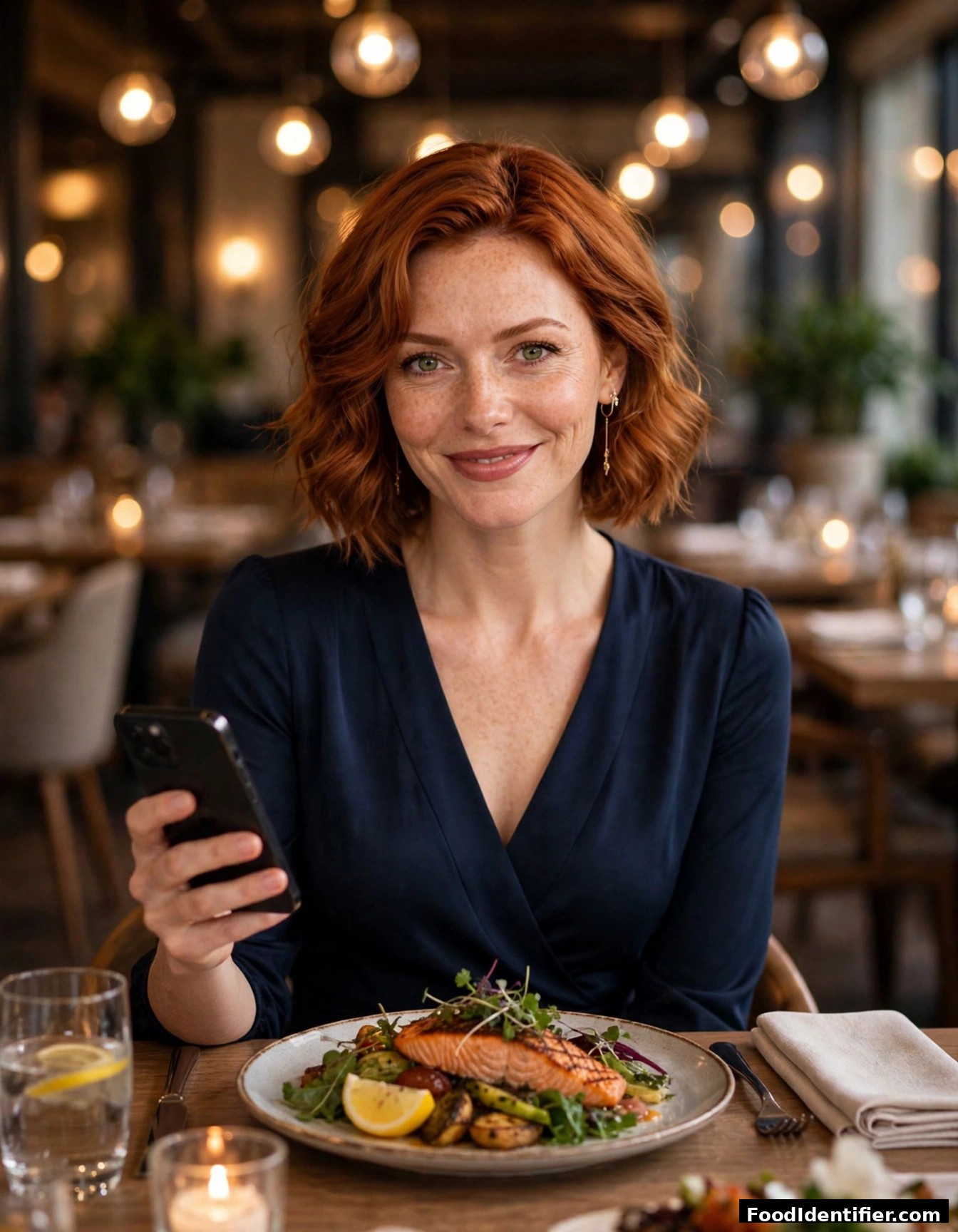
How to Scan Food for Calories With Your Camera
Try it right now: photograph your plate and watch the calories appear in about 5 seconds. Free.
Scan Your Food Instantly
Take a live photo or upload an image
How do you scan food for calories?
Photograph your plate and upload it to a food scanner. To scan food for calories, take a clear photo of your meal, upload it to FoodIdentifier at foodidentifier.com, and get calories, protein, carbs, fat and blood-sugar impact in about 5 seconds. For best accuracy, photograph the whole plate in good light and confirm the portion size before saving. No app download, no account, no credit card.
That five-second loop replaces the old workflow entirely: open app, search "grilled chicken breast," guess the weight, scroll past twelve entries. Photo scanning collapses all of it into one step.
Scan it free at foodidentifier.com — no app, no sign-up.
The 3-step scan
Photo
Take or upload a clear picture of the meal (or a nutrition label).
Review
FoodIdentifier identifies the foods; confirm or adjust portions.
Results
Calories, protein, carbs, fat, fiber, blood-sugar impact, keto check and an AI coaching note, in about 5 seconds.
Get the most accurate scans
- ✓Light it well — natural daylight beats dim restaurant lighting.
- ✓Show the whole plate — cropped photos hide foods the AI can't count.
- ✓Shoot from a slight angle — a 45-degree angle shows depth and portion size.
- ✓Confirm portions — the biggest accuracy lever you control.
- ✓Don't forget sauces and oils — the most common source of hidden calories.
- ✓Labels for packaged food — photograph the nutrition label directly and OCR reads it.
What the scan tells you
Every scan returns: calories, protein, carbs, fat, fiber, glycemic/blood-sugar impact estimate, keto check, GLP-1 compatibility flag, and an AI nutrition coaching note. (All nutritional estimates are informational only — not medical advice. Talk to your doctor about diet or health concerns.)
Why photo beats typing
Manual logging fails because it's slow: people quit within weeks when every meal means database searches and portion math. A camera-first workflow removes the typing tax — and because FoodIdentifier's scan is free with no account, there's no signup wall between you and your first result.
Frequently Asked Questions
How do I scan food for calories with my phone?
Open foodidentifier.com in your phone's browser, tap the camera button, photograph your plate, and get calories and macros in about 5 seconds. No app to install.
Is the photo calorie scanner free?
Yes — the core scanner is free with no account or credit card.
How accurate is scanning food from a photo?
The AI identifies foods and portions and estimates nutrition from USDA FoodData Central. Good lighting, the whole plate visible, and confirmed portions give the best results. Informational — not medical advice.
Can I scan a nutrition label instead of the food?
Yes — photograph the label and FoodIdentifier reads it with OCR.
Does it work on homemade meals?
Yes — home-cooked plates, restaurant dishes and packaged foods all scan.
What if the AI misidentifies a food?
Review the foods found before saving and correct anything.
Can I track calories for the whole day?
Yes — scan each meal and your daily totals build up.