 FoodIdentifier
MyFitnessPal Alternative: 5 Apps, Honestly Compared
Compare 5 MyFitnessPal alternatives honestly on price, free tiers and friction, including a photo scanner with no app install and no sign-up required.
Key takeaways
- ▶The best MyFitnessPal alternative depends on why you are leaving: price, ads, daily typing, or wanting to log by photo — each reason points somewhere different below.
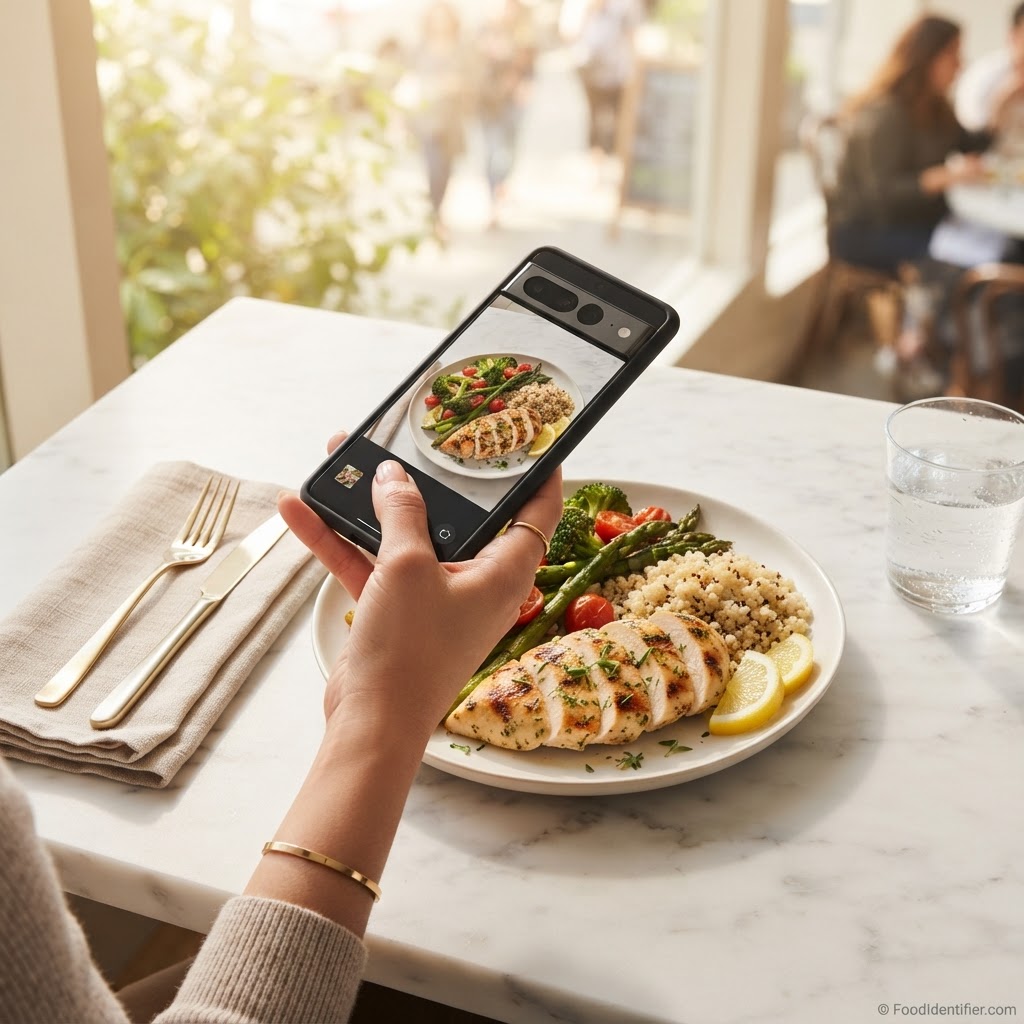
- ▶FoodIdentifier is the lightest switch: photograph a plate in your browser, get calories and protein in seconds, no app and no account, with 1 free scan a day.
- ▶Cronometer is the depth pick: verified nutrient data and far more than calories, if you still want a diary and do not mind slower logging.
- ▶Cal AI and Lose It! keep the diary but soften it: photo logging inside an app, tied to a daily target, without quite so much searching.
- ▶Yuka does a narrower job well: barcode scores for packaged food in the aisle — it pairs with a plate tool rather than replacing a diary.
Scan a food free
Scan a food free — no app, no sign-up →What a MyFitnessPal alternative is — and is not
MyFitnessPal is the diary most of us started with. You search for a food, pick an entry from a long list, guess a portion, and repeat that three or four times a day until the habit either sticks or quietly dies. For millions it works. For a lot of others, the diary itself became the problem.
A real alternative does the core job — helping you understand what you actually ate — while fixing the thing that made you look: the price, the ads, the typing, or the fact that the food you eat most — home cooking, restaurant plates — has no database entry and no barcode.
What it is not: a step counter with a food tab, a meal plan that never looks at your real plate, or a second diary identical to the first with a different logo. Our short MyFitnessPal alternative page has the quick version.
Why people actually switch
I hear the same four reasons, in roughly this order.
First, price. MyFitnessPal Premium was $79.99/yr when we checked in October 2026, and features people remember as basic increasingly sit on the paid side of the line. A fair model for a big product — and a fair reason to ask what else your money, or no money, buys.
Second, ads and clutter. The free tier carries ads, and the app now does a dozen jobs beyond logging. If you open it just to check one meal, the detour gets old.
Third, friction. Searching, choosing between near-duplicate entries, and estimating portions at every meal is real work. Most logging habits do not die dramatically. They fade on a busy Tuesday.
Fourth — the shift I care most about — photo-first logging. More people would rather photograph the plate in front of them and get a solid estimate than reconstruct it from a database afterwards. Less precise on paper, far more likely to happen. The tools below split mostly along that line, and our wider best calorie counter apps roundup covers the diary side in depth.
How we compared
- ▶Price in numbers — the paid tier as a number, from each product’s own pages and store listings as checked in October 2026. Anything unconfirmed is flagged for verification, never guessed.
- ▶Free option — what the free tier actually lets you do, not just whether one exists.
- ▶Friction to first answer — whether you must install an app and create an account before your first result, or can just scan something.
- ▶Photo meal scan — whether the tool can read a photo of a cooked plate, the whole test for restaurant food and home cooking.
- ▶Best for — one honest use case per tool, plus a drawbacks line for every option, including ours — the same approach as our best AI food scanner apps comparison.
Full disclosure: FoodIdentifier is my product. Same numbers, same table, and drawbacks below I would tell a friend before they switched.
Side-by-side comparison
| App | Paid price | Free option | App install required | Account required | Photo meal scan | Best for |
|---|---|---|---|---|---|---|
| MyFitnessPal (the incumbent) | Premium $79.99/yr | Yes — free tier with ads | Yes — web also available | Yes | Yes | Largest database |
| FoodIdentifier | $9.99/mo or $83.88/yr | Yes — 1 scan/day | No | No | Yes | Photo answers with no setup |
| Cal AI | Subscription in-app | Limited trial | Yes | Yes | Yes | Photo logging inside a diary |
| Cronometer | Gold $59.99/yr | Yes — free tier | Yes — web also available | Yes | Limited | Nutrient depth |
| Yuka | Premium ~$10–50/yr — pay what you want | Yes — free scanning | Yes | Yes | No | Packaged-food scores |
| Lose It! | Premium | Yes — free tier with limits | Yes | Yes | Yes | A lighter diary |
Read the table by your complaint: setup and subscriptions — the install and account columns; typing — the photo column; data quality — keep reading for Cronometer.
The 5 alternatives, honestly compared
1. FoodIdentifier — best for a photo answer with nothing to install
This is the tool I build, so hold its drawback below to a higher standard. Open foodidentifier.com in any browser, upload a photo of your food, and get calories and protein for what is on the plate. No app install. No account. The free tier gives 1 full scan a day; Pro is $9.99/mo or $83.88/yr if you scan constantly.
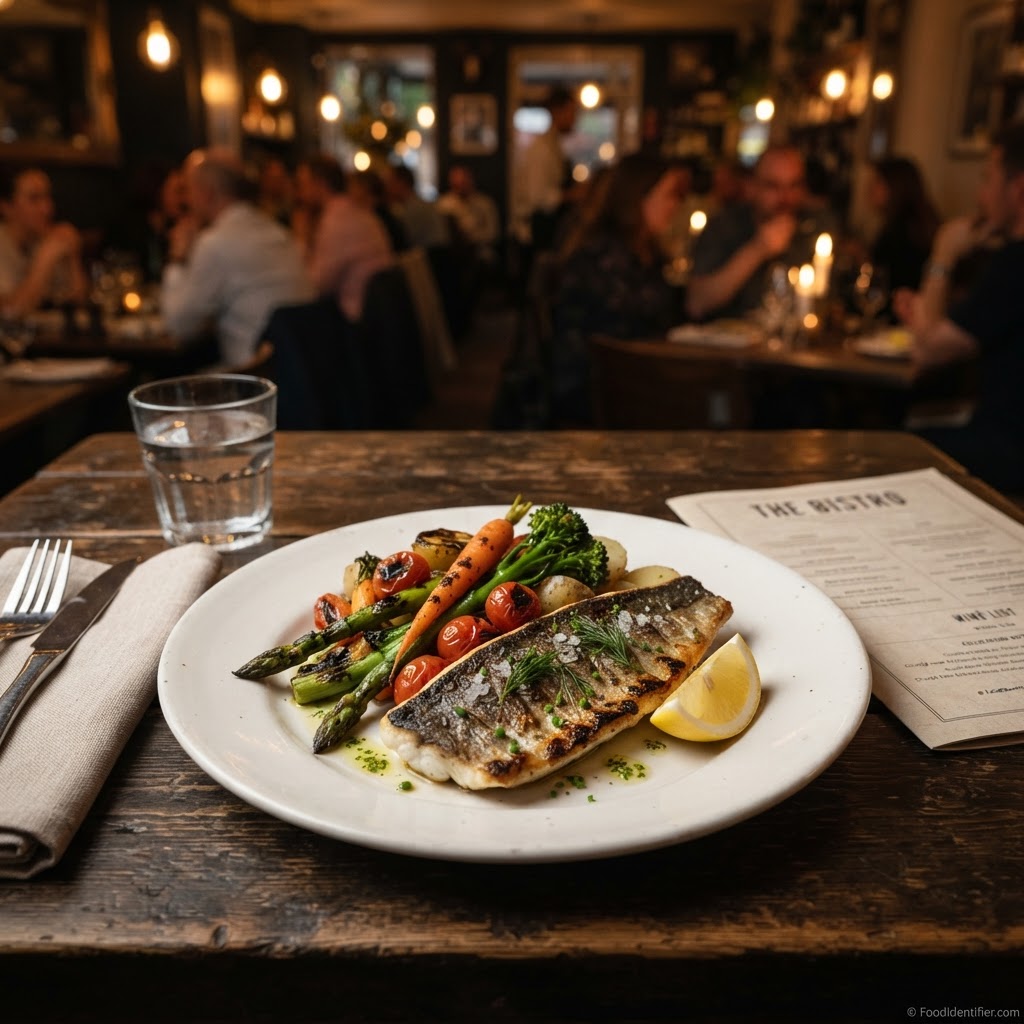
Where it wins is MyFitnessPal's weakest moment: food with no entry. A chicken shawarma plate from the place near my office in Dallas lives in nobody's database in the form it landed on my table. A photo estimate beats assembling it from generic parts — most of all on days you would otherwise log nothing. Our head-to-head, FoodIdentifier vs MyFitnessPal, reaches the honest summary: they solve different meals.
"Crispy Does NOT Mean Healthy" — a real scan from our YouTube channel.
Watch that scan with a switcher's eye: the coating on a crispy dish looks like a detail until you count the breading and oil it carried — the hidden load a database entry for the plain version never shows.
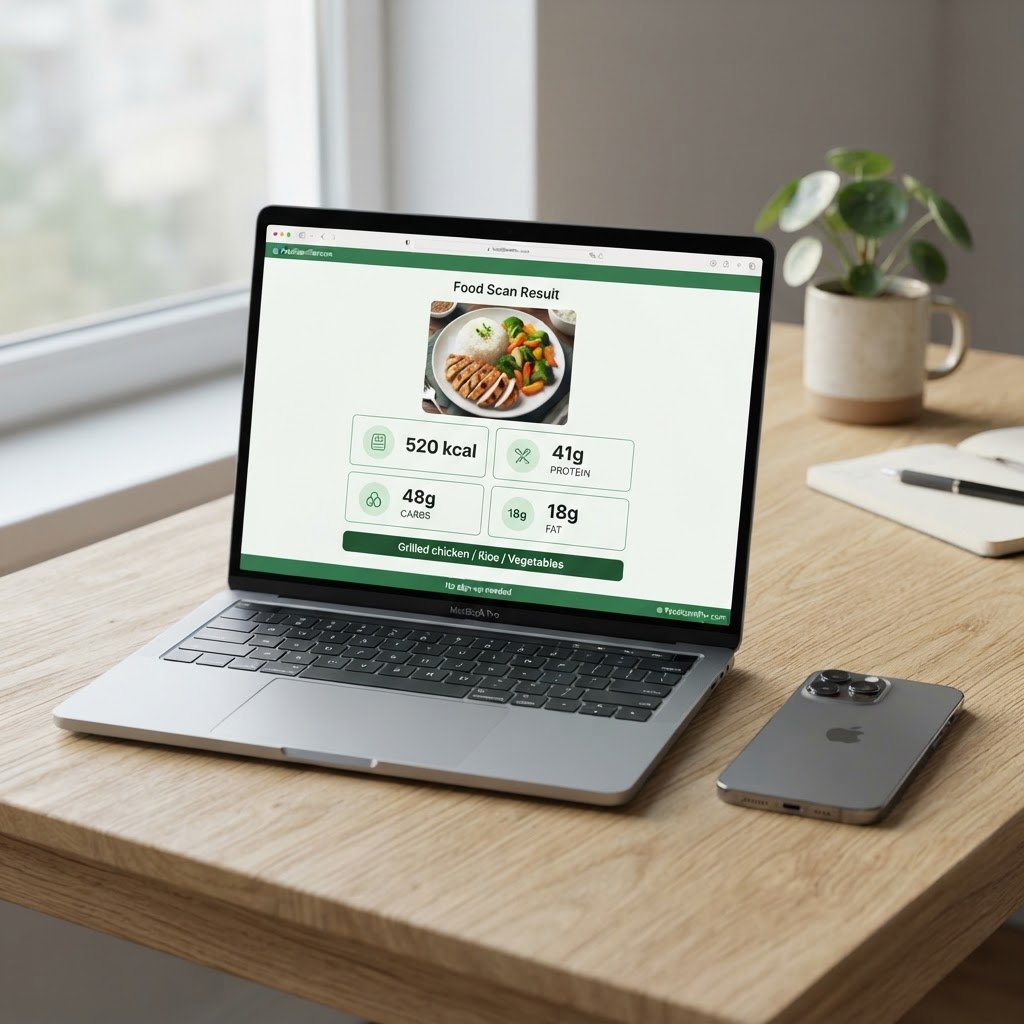
Drawbacks: A younger, smaller product. Its database is far smaller than MyFitnessPal's, it has no decade-deep restaurant library, and no wearable sync or diary depth. Photo estimates carry real error bars on portions and hidden oils — a strong estimate, never a lab result.
Scan a food free
Scan a food free — no app, no sign-up →2. Cal AI — best for photo logging inside an app
Cal AI made photographing your lunch feel normal: snap the meal, get calories and macros, and the day builds from there. If your problem with MyFitnessPal was purely the searching and typing — and you are happy inside an app with an account — it is the most direct answer here, because it keeps the diary and removes the data entry. Its numbers come from the same photo estimation as ours, so the same portion and sauce blind spots apply, however exact the number on screen looks.
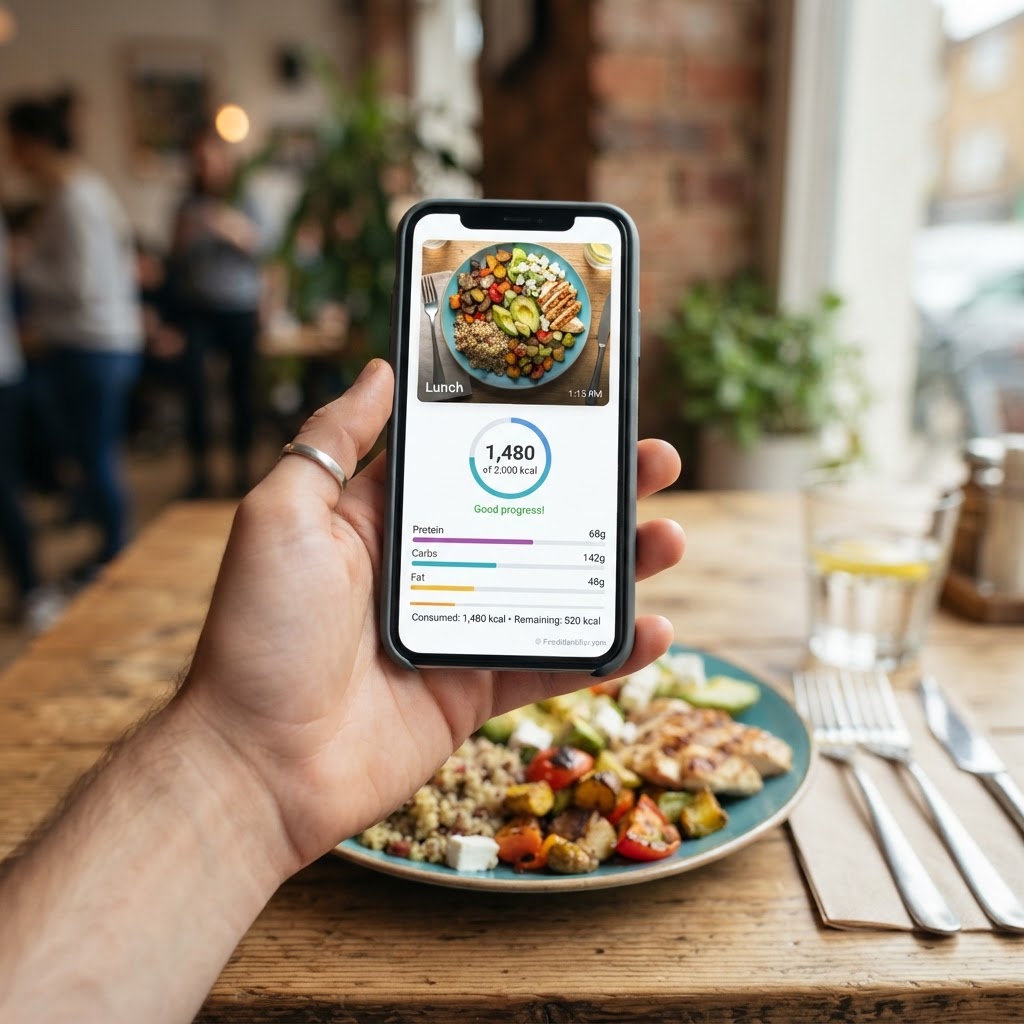
Drawbacks: App-only and subscription-led, pricing inside the app, and no free web version to test before you commit. If your complaint was another account and another subscription, Cal AI fixes the typing and keeps everything else.
3. Cronometer — best for nutrient depth you can trust
Cronometer is the grown-up in the room. Instead of a crowd-built database full of duplicate and occasionally invented entries, it leans on verified sources and tracks nutrients most apps never show you. Gold is $59.99/yr, with a free tier to live with first. If you have ever stared at three calorie counts for the same slice of bread and wondered which stranger to believe, it was built for you — and it is the strongest reason to stay with a diary tool at all.
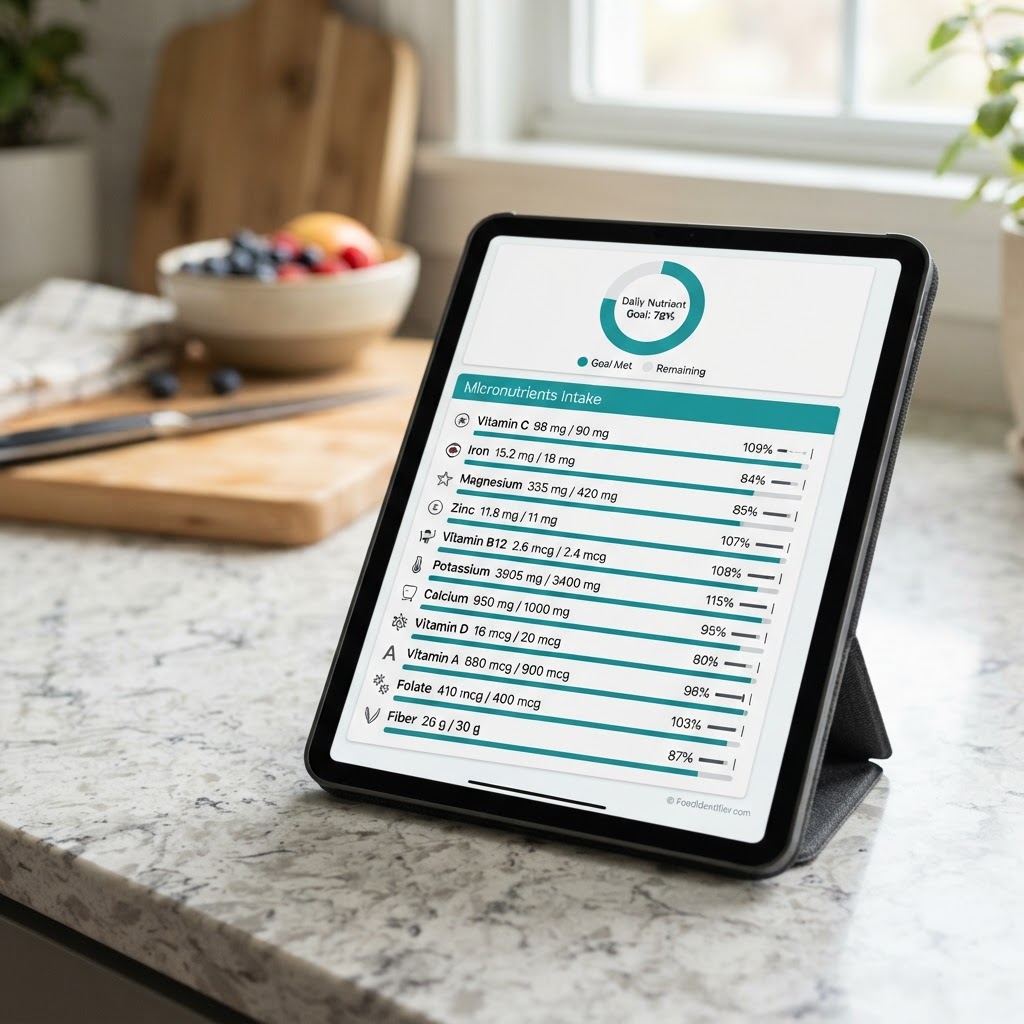
Drawbacks: The depth costs time. Logging is more manual and slower than any photo-first tool here, photo meal scanning is limited, and the interface assumes you enjoy data. For a quick restaurant check, it is the wrong tool.
4. Yuka — best for packaged food while you shop
Yuka scans a barcode, scores the product, and suggests a better-scoring alternative when yours rates badly. Premium is pay-what-you-want, roughly $10–50/yr, and the free tier covers the core job. I include it in almost every comparison because some switchers discover, halfway through leaving MyFitnessPal, that their real question was never about cooked meals — it was which cereal, which sauce, which snack. For that, one clear score beats a diary full of numbers to interpret yourself.
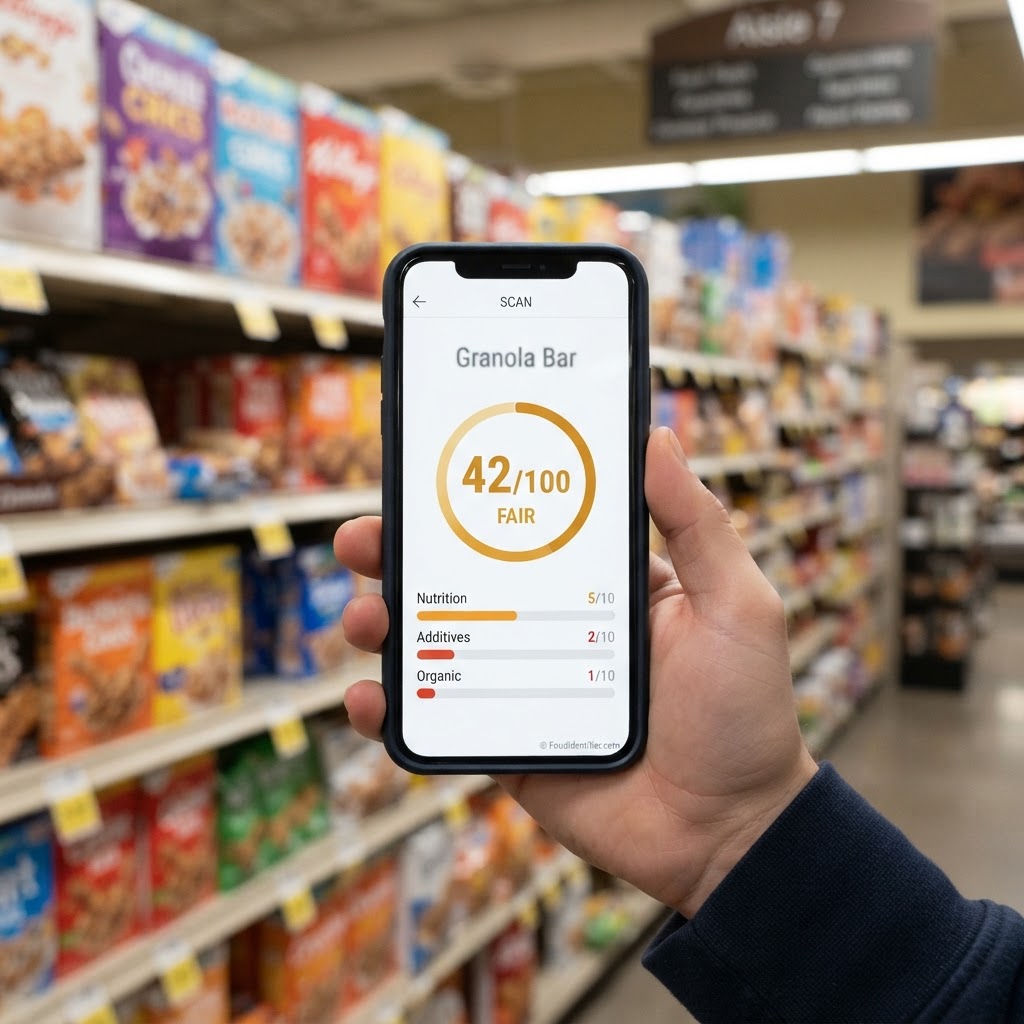
Drawbacks: It stops at the edge of the package. No photo meal scan, so a home-cooked dinner or restaurant plate gives it nothing to read, and as a replacement it covers only the packaged slice of your week. A single score also flattens context — a lower-scoring food can still fit your day fine.
5. Lose It! — best for a lighter, friendlier diary
Lose It! built its name on feeling approachable where MyFitnessPal feels sprawling: set a goal, log your food, watch the budget. Recent versions add photo logging alongside the barcode scanner, so it straddles both worlds — diary first, photo as a helper — and for many switchers that middle path is exactly right. Premium pricing needs confirming. The pitch is modest, and that is a compliment: the same habit, with less weight on your shoulders.
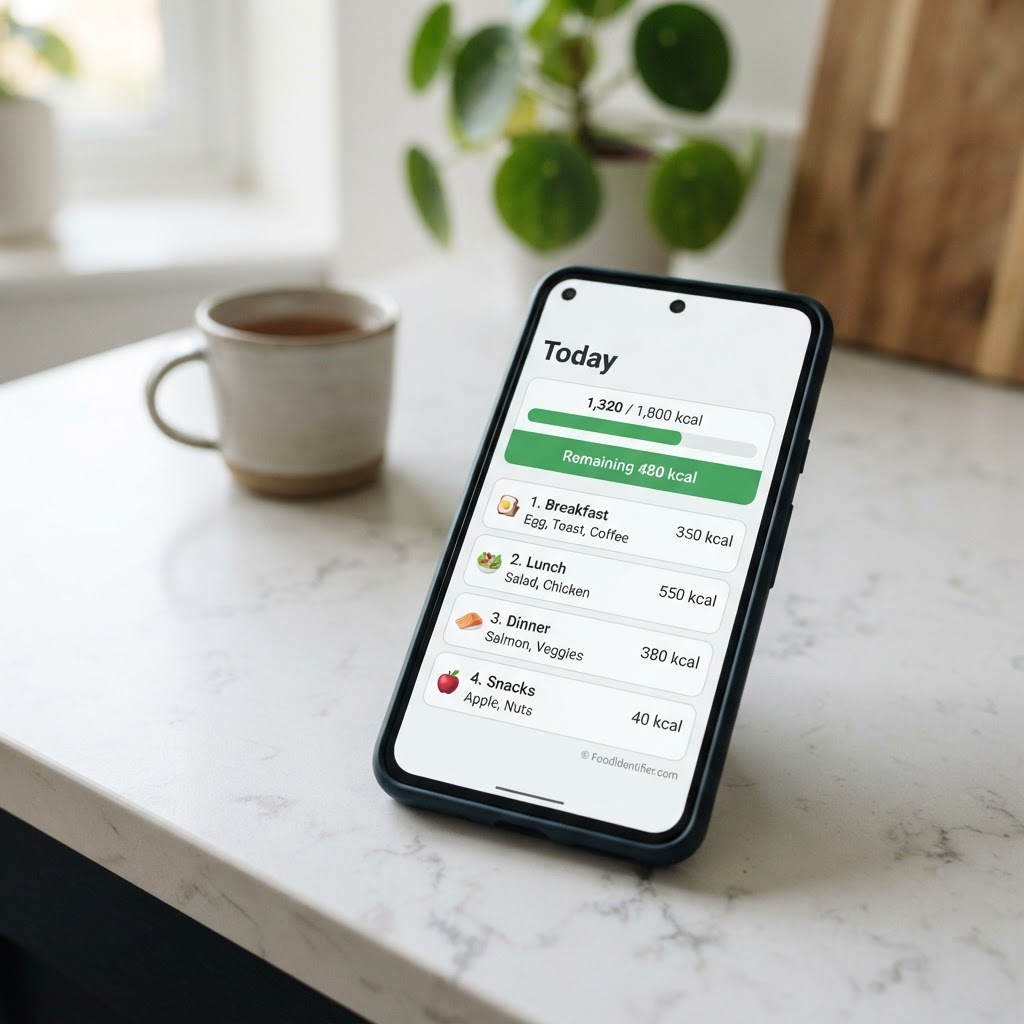
Drawbacks: The free tier is limited and the fuller features are a premium upsell, and at heart it is still a diary — if search-and-type logging burned you out, a friendlier version may only postpone the same ending. Its database, while large, is not MyFitnessPal's.
Got a plate in front of you?
Scan a food free — no app, no sign-up →Questions people ask before switching
Can I move my MyFitnessPal history over?
Partly, and go in expecting partly. Export options vary by plan and region. Export what the app allows, screenshot your key saved meals, and do not let a perfect migration block a decided switch — most people rebuild their regular meals within a week.
Will a photo estimate be less accurate than my old diary?
Less precise on paper, often more honest in practice. A diary entry is only as good as the entry you picked and the portion you guessed; a photo estimate carries visible error bars — portions and hidden oils, for every tool here, ours included. Treat the number as a range, not a measurement. This is not medical advice — talk to your doctor about any health decision.
Is 1 free scan a day actually enough?
Surprisingly often, yes — the scan most switchers need is the one mystery meal a day: the work lunch, the takeaway, the plate with no recipe. Packaged food has labels already. If you photograph every meal, you are a Pro-tier or diary user, and the table above tells you so cheaply.
Should I keep MyFitnessPal installed while I test an alternative?
Yes, for two weeks, and let the overlap judge. Use the new tool for its meals, the old diary for the rest, and notice which one you open without thinking by day ten.
Which alternative fits your situation?
- ▶You quit logging because of the typing: FoodIdentifier. Photograph the plate, get the estimate, no diary and no account in the way.
- ▶You want photo logging and a diary together: Cal AI. The photo does the entry work; the app keeps the target and streak.
- ▶You track nutrients seriously: Cronometer. Verified data and depth the photo tools do not attempt.
- ▶Your questions are mostly about packaged food: Yuka. Barcode, score, better swap — settled in the aisle.
- ▶You liked the diary, just not MyFitnessPal\u2019s version: Lose It!. Same habit, lighter feel, photo help when you want it.
- ▶You eat out constantly and need chain menus by name: honestly, stay with MyFitnessPal. Its restaurant library is the one thing here nobody else matches, and pretending otherwise would make the rest of this comparison worthless.
Scan a food free — no app, no sign-up — and see calories and protein for the plate in front of you.
Scan a food free — no app, no sign-up →See the MyFitnessPal Alternative Page →Proof and sources
Prices and free tiers come from each product's own site and store listings, checked in October 2026, with unconfirmed figures flagged for verification rather than guessed. FoodIdentifier's claims are limited to what can be checked: 508 of FoodIdentifier's pages were indexed in Google Search Console as of October 29, 2026. No user counts, ratings, or review scores are claimed for any tool here — checking is the entire point of a comparison page.
FAQ
About the author
Faisal Ali — Founder of FoodIdentifier
Faisal Ali is the founder of FoodIdentifier, the free AI food scanner at foodidentifier.com. He builds and writes about food transparency tools from Dallas, Texas, and started FoodIdentifier after realizing the foods with no labels — restaurant plates, home cooking, takeaways — were the ones nobody could check.
Related reading: best AI food scanner apps and best calorie counter apps.
Connect with Faisal on LinkedIn →This article is general information, not medical advice. Prices, free tiers and features change — check each product before you switch.