 FoodIdentifier
Best AI Food Scanner Apps in 2026: Compared on Price, Free Tiers, and What You Actually Get
I compared the 5 best AI food scanner apps on price, free tiers, sign-up friction and scan type — including the one that needs no app and no account.
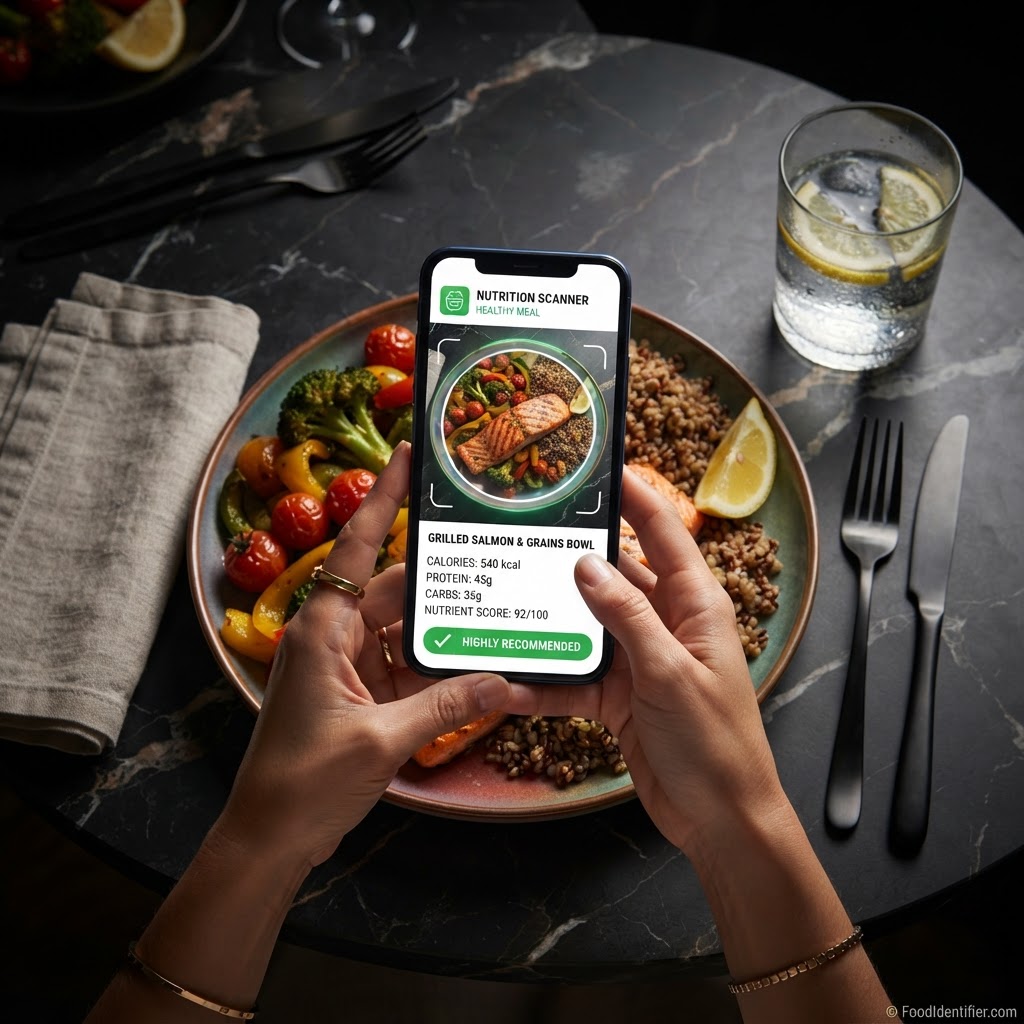
Scan any food free at FoodIdentifier.com — instant calories and macros, no app, no sign-up.
I'll be honest with you before we start: one of these apps is mine. I built FoodIdentifier, it sits at number one on this list, and I'd rather you checked my work than trusted my word. So every app below — mine included — gets judged on the same numbers, and mine gets its drawbacks in writing, same as everyone else's. If a different app fits your life better, this page will tell you which one. That's the deal.
Key takeaways
- ▶Fastest to a first answer: FoodIdentifier. It runs in your browser, so there’s no install and no account standing between you and a result.
- ▶Biggest database: MyFitnessPal — 20 million+ foods and the deepest restaurant coverage, with Premium at $79.99 a year.
- ▶Best for grocery shopping: Yuka — a simple 0–100 health score for packaged products, and Premium is pay-what-you-want, $10 to $20 a year.
- ▶Best for nutrient depth: Cronometer — up to 84 tracked nutrients from verified sources; Gold is $59.99 a year.
- ▶Best-known photo logger: Cal AI — the viral photo-calorie app MyFitnessPal bought in 2026; about $9.99 a month or $29.99 a year, and the price you see can vary.
What an AI food scanner is (and is not)
An AI food scanner looks at a photo of your food — or a barcode, or a label — and tells you what's in it: calories, protein, carbs, fat, and usually some kind of health judgment. No searching a database. No typing "chicken breast, grilled, 6 oz" with your thumbs.
What it is: a fast estimate. What it is not: a lab test, a medical device, or a replacement for a dietitian. Every scanner on this page — every single one — can miss on a mixed plate where the oil and sauce hide underneath. Anyone who tells you their photo count is exact is selling you something.
How I compared these apps
- ▶Price, in numbers. Not "affordable" or "premium-feeling" — the actual dollars, taken from each product’s own pages and store listings in October 2026.
- ▶Friction to the first scan. How many walls — install, account, paywall — stand between a brand-new user and their first real answer?
- ▶What it scans. A plated meal, a barcode, a label, or just text search. These are different tools wearing similar clothes.
- ▶What the answer contains. Calories only? Full macros? Micronutrients? A health score?
- ▶Where it runs. Phone app only, or on the web too?
Full disclosure, again: FoodIdentifier is my product. Same criteria, same numbers-first rule, drawbacks printed in its own section below.
The comparison table
| App | Paid price | Free option | App install required | Account required | Photo meal scan | Best for |
|---|---|---|---|---|---|---|
| FoodIdentifier | $9.99/mo or $83.88/yr | 1 scan/day, free forever | No — runs in browser | No | Yes | An instant answer with zero setup |
| Cal AI | ≈$9.99/mo or $29.99/yr (varies by user) | 3-day trial, then subscription | Yes | Yes | Yes | Photo logging inside a tracker app |
| MyFitnessPal | Premium $79.99/yr (Premium+ $99.99/yr) | Free tier with ads | Yes (web also available) | Yes | Yes (Premium) | Largest database + restaurant coverage |
| Yuka | Premium $10–$20/yr, you choose | Free scanning | Yes | Yes | No — barcode/products focus | Packaged-food health scores while shopping |
| Cronometer | Gold $59.99/yr | Free tier | Yes (web also available) | Yes | Limited (Gold) | Micronutrient depth and verified data |
No app download, no email address, no card. Point your camera at your next meal and get the numbers in about five seconds.
Scan a food free — no app, no sign-up →1. FoodIdentifier — best for an instant answer with no app and no sign-up
Best for: anyone who wants to know what they're eating, right now, without starting a new relationship with an app.
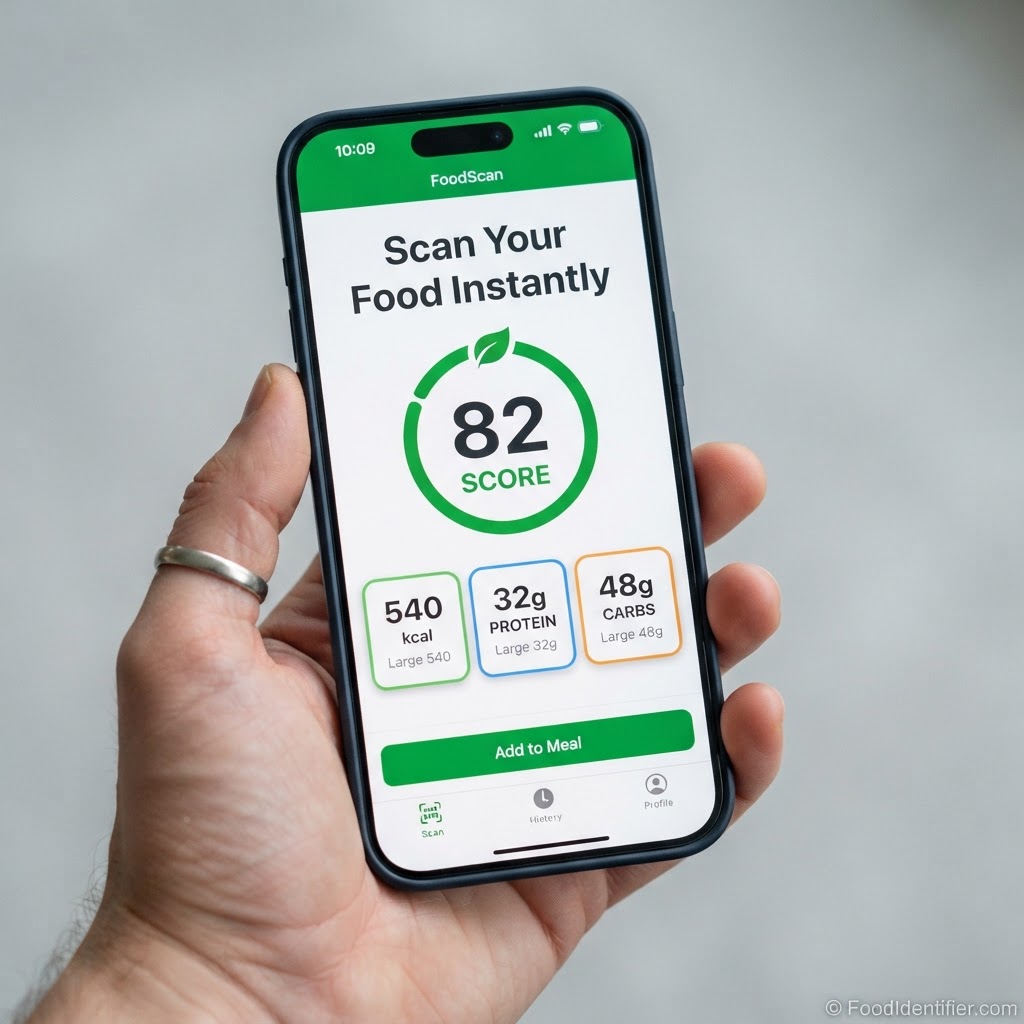
FoodIdentifier is a web scanner. You open the site, take a photo of the food in front of you, and in about five seconds you get calories, protein, carbs, fat and a health read. Nothing to download. No email address. The free tier gives you one full scan every day, forever; Pro ($9.99/month or $83.88/year) takes the limit off. It's the only entry here whose first scan finishes before most apps finish downloading. Open the free food scanner and you can test that claim in the time it takes to read the next two sections.
Watch it work: "Crispy Does NOT Mean Healthy" — a real FoodIdentifier scan from our YouTube channel.
Drawbacks, honestly: it's a younger, smaller product than MyFitnessPal. The database is far smaller, there's no decade-deep restaurant library, and if you want a full daily diary with wearable sync and a social feed, a tracker app serves you better today. I won't pretend otherwise.
2. Cal AI — best for photo logging inside a tracker app
Best for: app-first users who want photo logging tied into daily goals and streaks.
Cal AI is the app that made photo calorie counting mainstream, and it earned that. Snap the meal, get the numbers, watch the day fill in. That three-second demo built a phenomenon — MyFitnessPal acquired Cal AI in March 2026 after it passed $30 million in annual revenue. The catch is the model: download the app, make the account, and once the short trial ends, seeing your scan results takes a subscription — roughly $9.99 a month or $29.99 a year, and Cal AI doesn't publish one fixed price; what you're shown can vary.
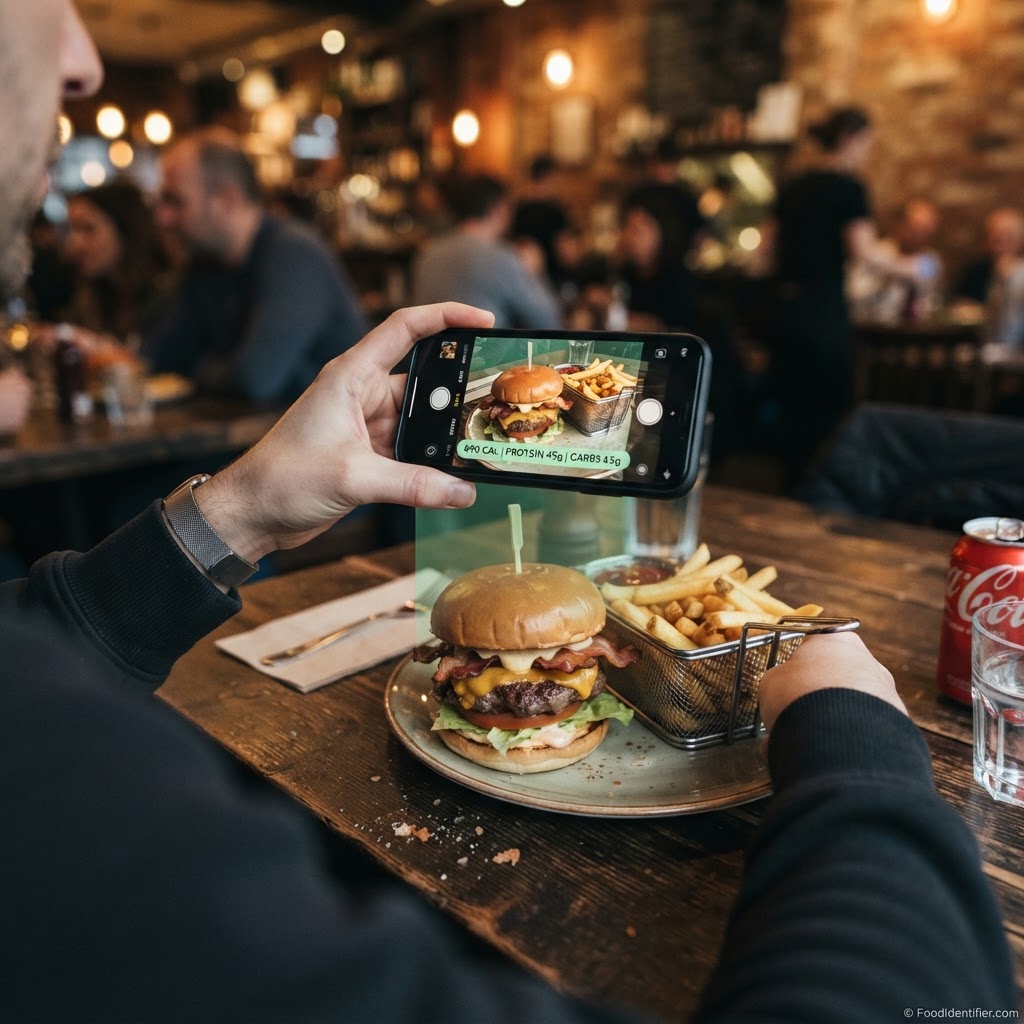
Drawbacks: app-only, account-first, paywall in front of results — and its photo estimates on mixed meals carry the same error range as every scanner here.
3. MyFitnessPal — best for the largest database
Best for: people who eat out a lot and need a chain-restaurant entry for everything.
This is the giant of the category, and giants have their uses. A database of 20 million+ foods, barcode scanning, meal scan, voice logging, twenty years of accumulated entries. If a food exists in a database anywhere, odds are it's here. Premium is $79.99 a year (Premium+ $99.99), and the newer fast-logging features live behind it. If you're weighing it against a browser scanner, I broke the two down feature by feature in FoodIdentifier vs MyFitnessPal.
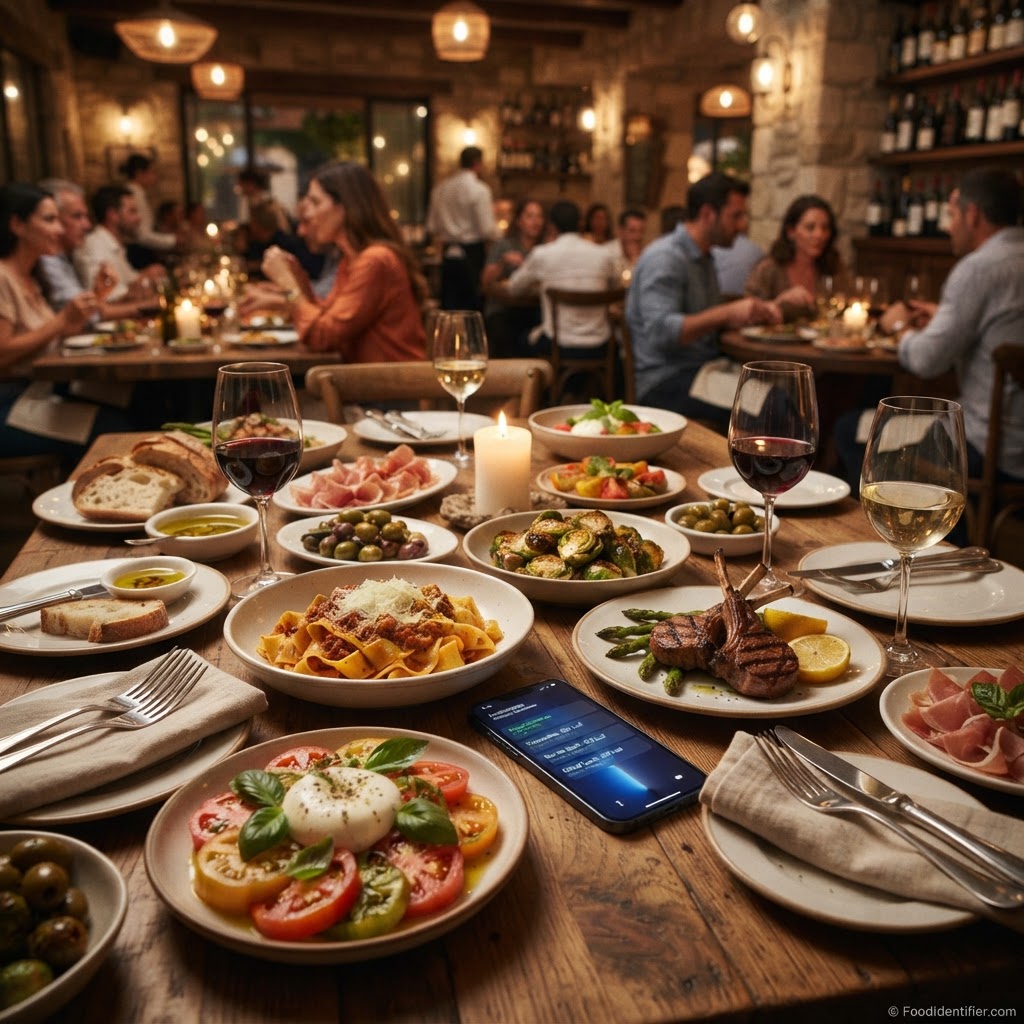
Drawbacks: the free tier shows ads, the app tries to do a dozen jobs beyond scanning, and you'll have an account — and likely an install — before your first answer arrives.
4. Yuka — best for packaged-food scores while shopping
Best for: grocery shoppers who want a straight healthy-or-not verdict on packaged products.
Yuka does one thing and does it cleanly: scan a barcode in the aisle, get a score out of 100, and — if the score is bad — get shown a better alternative. No ads, no brand money, completely independent; a brand cannot pay for a better score, ever. Premium is pay-what-you-want: $10, $15 or $20 a year, your choice, same features.
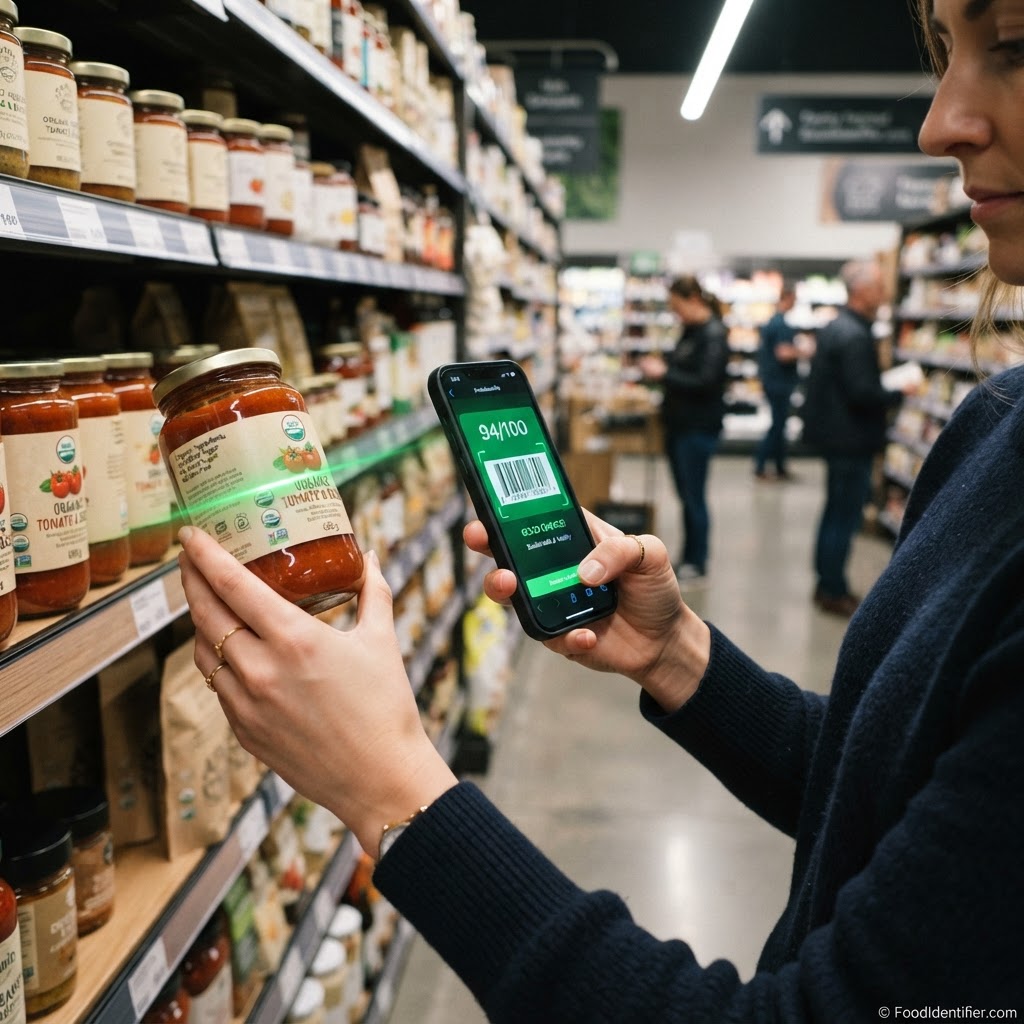
Drawbacks: it doesn't scan your plate. Barcoded products are its whole world — a home-cooked meal might as well not exist to it.
5. Cronometer — best for nutrient depth
Best for: people who track micronutrients, not just calories.
Cronometer is the careful one. Up to 84 nutrients, drawn from verified sources like the USDA instead of crowd-sourced entries — which is why dietitians and serious trackers tend to swear by it. Gold ($59.99 a year) adds the deeper analysis, charts and photo logging. If depth is your goal rather than data entry, the practical shortcut is to build meals around foods that carry a lot of nutrition per calorie — our high-protein foods list is a decent starting point.
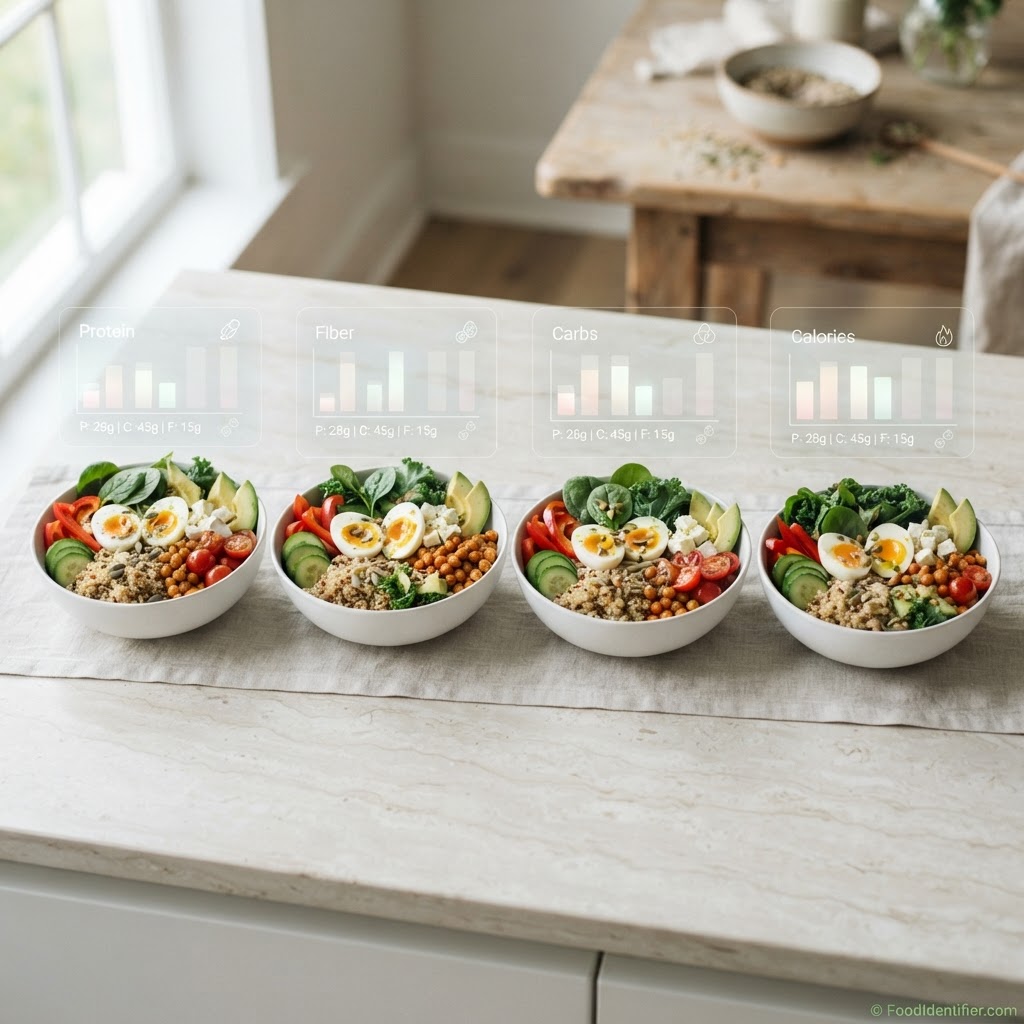
Drawbacks: that depth costs you speed. Logging is more manual, the interface assumes you actually enjoy data, and a quick photo-first answer isn't what it was built for.
Run your last meal through the free scanner at foodidentifier.com and see the calories, macros and health score behind it — no app, no account.
See what your last meal really scored — scan it free →Which one fits your situation?
- ▶You want an answer right now, once in a while: FoodIdentifier. No install, no account, result in seconds.
- ▶You log every meal, every day: Cal AI or MyFitnessPal. A diary is their home turf.
- ▶You mostly scan groceries while shopping: Yuka. The barcode score is the entire point.
- ▶You manage a condition, or train seriously: Cronometer. Verified data, real depth.
- ▶Your real question is "is this healthy?" — not "how many calories?": FoodIdentifier or Yuka. Both lead with a health judgment, not just a number.
One more thing worth saying plainly: whichever app you pick, the tool only helps if the food itself is worth eating. If your goal for the next month is weight loss rather than curiosity, start with what goes on the plate — our guide to what to eat to lose weight covers that side of the equation, and the scanner is what keeps you honest about it.
Questions people ask before choosing
Are AI food scanner calorie counts accurate?
Treat every photo count as a range, not gospel. A grilled chicken breast? Close. A saucy mixed plate with hidden oil? Every scanner on this page can miss, mine included. When precision truly matters, a kitchen scale still wins.
Why do most of these apps need an account?
Because accounts store diaries, sync devices and sell subscriptions. That’s a business decision, not a technical requirement for reading a photo — and it’s exactly why a web scanner can skip it.
Is a free tier enough?
For occasional checks, honestly, yes. A daily free scan or free barcode scanning covers most casual questions. Daily loggers are the ones who hit the limits — and they’re who the paid tiers are built for.
Proof and sources
Every price above comes from the product's own site or store listing, checked in October 2026. For my own product I'll only claim what you can verify: 508 FoodIdentifier pages were indexed in Google Search Console as of October 29, 2026, it holds the #1 Google result for "food identifier ai," and it launched publicly on Product Hunt. MyFitnessPal's acquisition of Cal AI (announced March 2026) and Cal AI passing $30M in annual revenue were reported by TechCrunch.
FAQ
Try the free scan now — no app, no sign-up, about 5 seconds from photo to calories, macros and a health score.
Try the free scan now — no app, no sign-up, about 5 seconds →About the author
Faisal Ali — Founder of FoodIdentifier
Faisal Ali is the founder of FoodIdentifier, the free AI food scanner compared in this article. He builds food-transparency tools and writes about what's actually in our food, from Dallas, Texas.
Connect with Faisal on LinkedIn →This article is general information, not medical advice. Nutrition estimates vary by portion, preparation and brand. Prices were checked in October 2026 and change over time.