Home › Blog › AI Calorie Calculator
AI Calorie Calculator: Scan Food Photos & Get Instant Calories — Free
Counting calories used to mean opening a spreadsheet and guessing portion sizes. The new generation of AI calorie calculator tools changed that completely. Today, you can use a free food calorie counter online — no spreadsheet, no account, no guesswork. Just upload a photo of your meal and get instant calories, protein, carbs, fat, and fiber in seconds.
FoodIdentifier is built for fast, photo-based calorie estimates. It works as a modern, browser-based nutrition scanner on any device — smartphone, tablet, or desktop — without requiring a download or account. Whether you're tracking daily intake or checking a single meal, this guide shows you exactly how to use it.
Data note: Nutrition values are estimates and may be based on public reference data and AI analysis. Results vary by food, portion, and photo quality. Reference data may include USDA FoodData Central.
How estimates work ↓
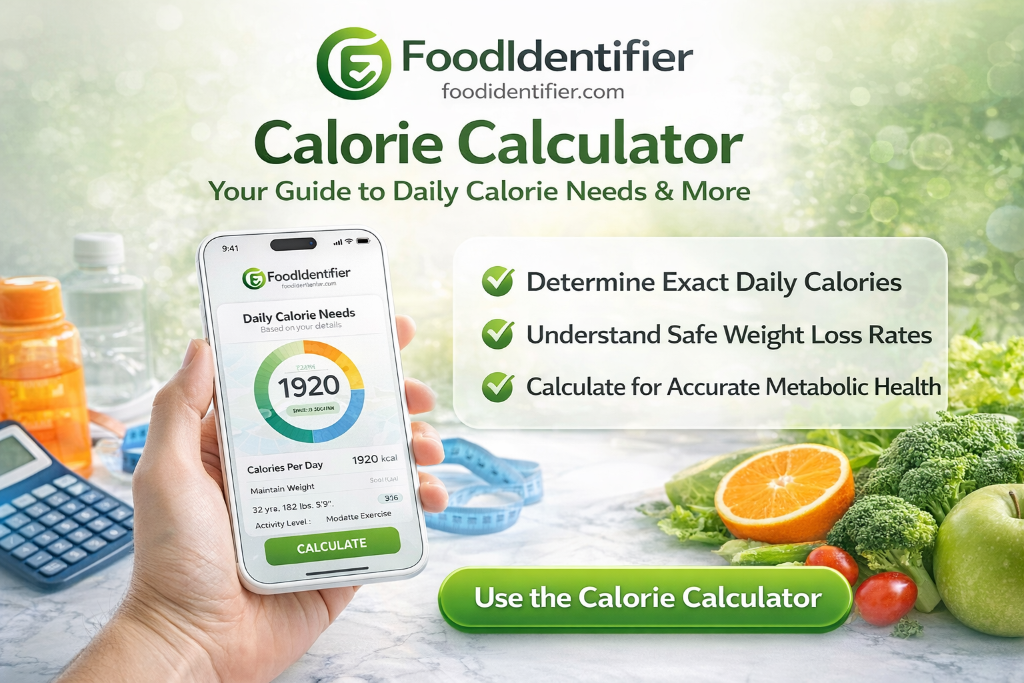
- FoodIdentifier is a free instant calorie checker online — no app download, no account required.
- Use the free calorie calculator: upload any food photo and receive calories + full macros in under 5 seconds.
- Works on any device — desktop, iPhone, or Android — right in your browser.
- Includes a Calorie Deficit Calculator, macro tracking tool, TDEE Calculator, and nutrition label reader.
- No sign-up. No credit card. No app install. 100% free forever.
AI Calorie Calculator for Beginners: Everything You Need to Know
If you've never tracked calories before, the process can feel overwhelming. But with a modern AI calorie calculator free tool, the learning curve is almost zero. You don't need to know portion sizes, serving weights, or nutrition database codes. You just need a photo.
FoodIdentifier was built specifically for beginners. It's a true calorie tracker without signup — there are no onboarding forms, no fitness goal setup screens, and no premium paywalls blocking the tools you actually need. You open the page and start scanning.
For those who've tried MyFitnessPal or Cronometer and felt frustrated by the database searches, photo scanning is a revelation. Take a photo of your avocado toast, your home-cooked pasta, or your restaurant burger — the AI identifies every component and returns the complete nutrition label in seconds. It's the closest thing to an instant calorie checker online that actually works for real-world meals.
What makes an AI calorie calculator better than manual tracking?
- ✅ No database searching — AI identifies food visually
- ✅ Works on mixed plates and restaurant meals
- ✅ Estimates portion size from photo context
- ✅ Returns full macro breakdown automatically
- ✅ Reads nutrition labels from packaged food photos
- ✅ Zero sign-up or subscription needed
Try the Free AI Calorie Calculator Now
No sign-up. No app. Upload any food photo and get instant nutrition facts.
📷 Scan Food Calories Now🔢 Try AI Calorie Calculator FreeAI Calorie Calculator: No Sign Up, No App, No Friction
Most nutrition apps greet you with a wall of forms — email, password, birthday, fitness goals, and a subscription offer before you've looked up a single calorie. That friction is the number-one reason people abandon calorie tracking within the first week.
FoodIdentifier takes the opposite approach. It's a genuine calorie calculator no sign up required — open the page, upload a photo or type a food name, and get your results. Your data stays in your browser. No account, no email, no subscription wall.
If you've been looking for a calorie counter without app that respects your time and privacy, this is the answer. There's no forced calorie tracker without signup hurdle — you can start immediately and return anytime without logging in, because there's nothing to log into. The full suite of free health tools works the same way — instant access, no barriers.
Why people skip calorie apps
- 🚫 Forced account creation before seeing any results
- 🚫 App takes 80MB of storage on your phone
- 🚫 Free tier so limited it's useless without paying
- 🚫 Data syncing issues across devices
- ✅ FoodIdentifier is browser-based, instant, private, and free — a fast way to check calories with no signup.
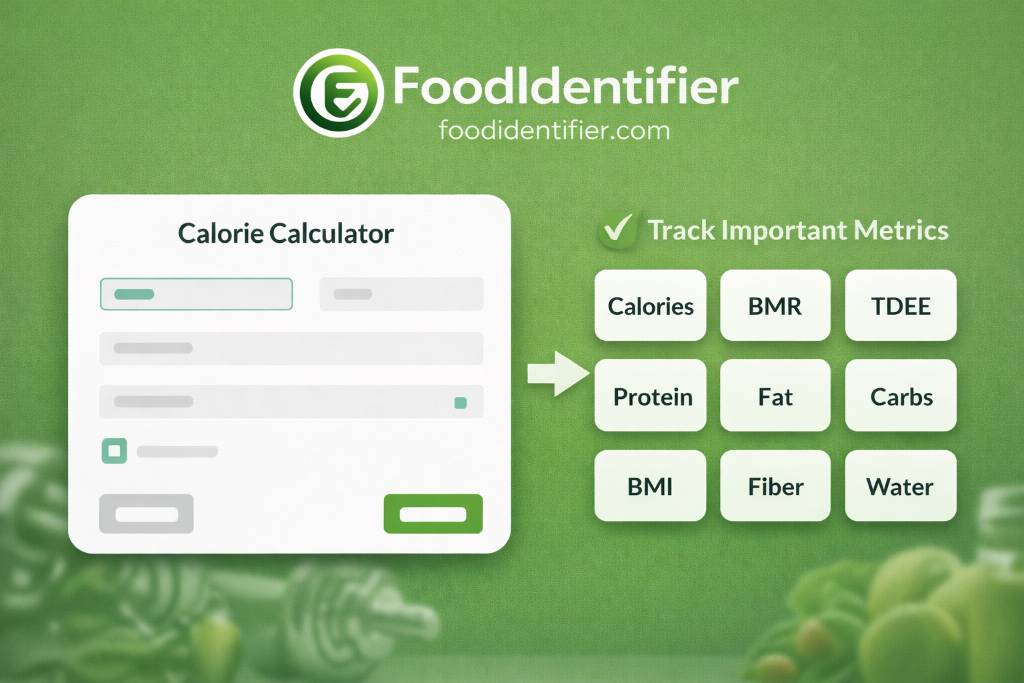
Scan Food Calories Online Free: How the AI Works
Traditional calorie counting relies on manual database searches. You pick "chicken breast" from a list, estimate the weight, and multiply. It takes effort and still leaves you guessing. FoodIdentifier's AI is different — it's a true food calorie scanner website that analyzes what it actually sees, not what you type.
The technology combines computer vision with a nutritional knowledge model trained on a large food database. When you upload a food photo, the AI analyzes colors, textures, and plate composition to identify items on the plate. Estimates are generally close for common foods, though results vary by lighting, angle, and portion size. It also functions as an AI food nutrition analyzer and a nutrition label scanner online: point your camera at any packaged snack label and it extracts values in seconds.
This calorie tracking tool handles everything from a single banana to a 12-ingredient restaurant plate. Pair it with the AI Nutrition Coach for personalized meal recommendations based on your specific scan history and goals.
How to scan food calories online free — step by step
- 1Open FoodIdentifier
Go to foodidentifier.com/scan in any browser. No download, no sign-up. - 2Choose your input method
Upload a photo from your gallery, take a live camera shot, or type the food name. - 3Submit the image
Tap the green Analyze button. The AI processes your image in 3–5 seconds. - 4Review the calorie count
See total calories front-and-center, broken down per food item on the plate. - 5Expand the macro breakdown
Tap any food item for full data: protein, carbs, fat, fiber, sodium, and vitamins. - 6Adjust portions if needed
Use the portion slider (e.g., 1.5x serving) to recalculate instantly. - 7Save your results
Screenshot the results card, or copy the text to your notes or diet journal.
AI Calorie Calculator + Macro Calculator Free Online
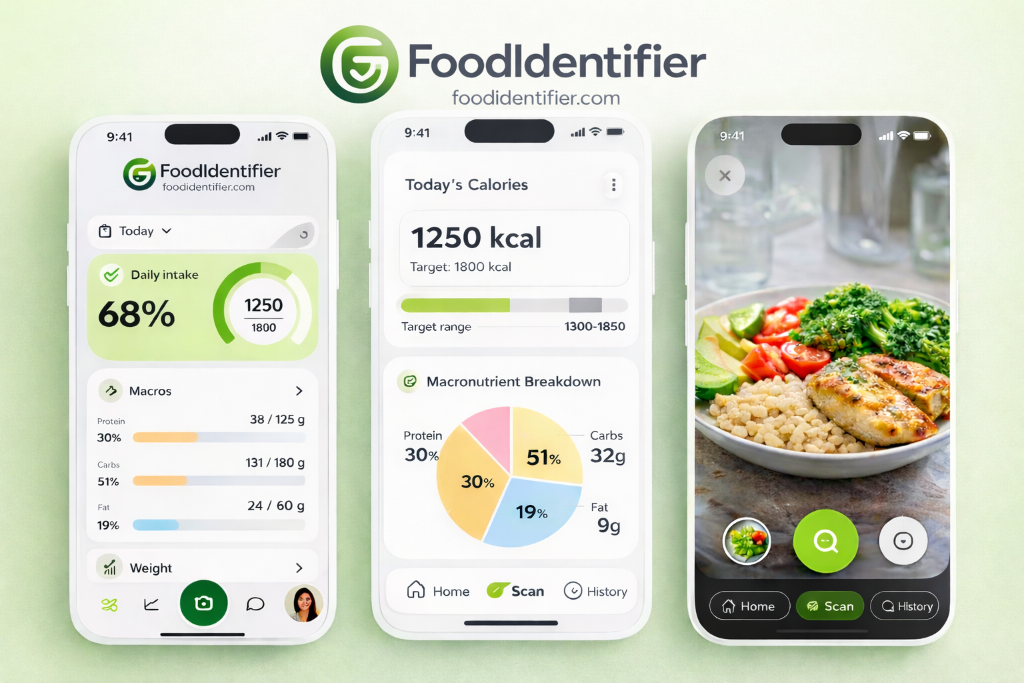
Calories tell you how much energy you're eating. Macros tell you what that energy is made of. Understanding both is the difference between losing fat and losing muscle — a distinction that matters enormously for long-term results. Use the Macro Calculator to dial in your exact targets, then pair it with the AI Calorie Calculator to track every meal instantly.
FoodIdentifier includes a full macro calculator free online inside every food scan. No separate tool needed. Every result shows protein, carbohydrates, and fat in grams, along with percentage splits. Paired with the TDEE Calculator free tool, you have your complete daily budget and breakdown — all in one place.
Beginner macro guide: what ratios should you target?
Calculate Your Exact Macros Free
Find your protein, carbs, and fat targets in 30 seconds — no sign-up needed.
⚖️ Open Macro Calculator🔥 Try TDEE Calculator FreeAI Calorie Calculator for Weight Loss: Calorie Deficit Made Simple
Every sustainable weight loss plan starts with one number: your TDEE (Total Daily Energy Expenditure). This is how many calories you burn in a day. Go below it and your body uses stored fat for fuel. The gap between what you eat and what you burn is your calorie deficit — and the Calorie Deficit Calculator computes it for you automatically.
Science-backed guidance recommends a daily deficit of 300–500 calories — large enough to cause fat loss, small enough to protect lean muscle and avoid the metabolic slowdown that comes with extreme dieting. Pair this with the TDEE Calculator to find your maintenance number, then use the calculate daily calories tool to stay within your daily budget.
Deficit math — worked example
How Many Calories Should I Eat to Lose Weight?
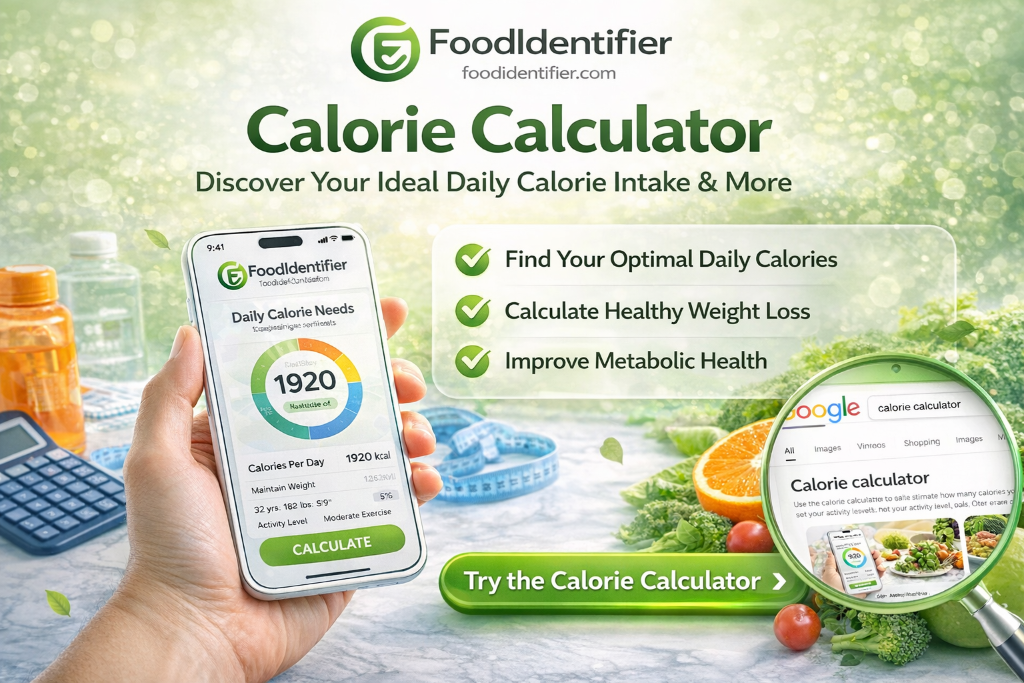
This is the most searched nutrition question online — and the answer depends entirely on you. How many calories should I eat to lose weight varies based on your age, sex, height, current weight, and daily activity level. There is no universal number that works for everyone.
The most reliable method is to calculate your TDEE — your Total Daily Energy Expenditure — using a TDEE calculator free tool. Your TDEE is the number of calories you need to maintain your current weight. Once you have it, subtract 300–500 calories to create a safe, sustainable deficit for fat loss.
After you know your calorie target, use the scan food calories tool or the free calorie calculator online to track every meal without signing up or downloading an app. The combination of a calculated target + photo-based tracking is the most beginner-friendly system available today.
Recommended daily calorie intake by goal
Protein intake plays a critical role in any deficit. Keeping protein at 0.7–1g per pound of bodyweight protects lean muscle while you lose fat. Use the Macro Calculator to set your protein target, then the AI Nutrition Coach for daily meal suggestions that hit your numbers.
AI Calorie Calculator: Calories in Common Foods Quick Reference
Knowing the calorie content of everyday foods is the foundation of effective tracking. Whether you're building a meal plan or making a single smart choice, this table covers the foods most people eat daily. All values are for standard cooked or ready-to-eat portions — use the calorie tracking tool to get precise numbers for your specific portion.
Calories in Popular Meals: Real-World Examples
Single ingredients are easy to look up, but real meals are more complex. Below is a calorie breakdown for the most-searched everyday meals — so you can plan smarter, even before you scan. For precise numbers on your specific preparation, use the AI food scanner calories tool.
Can't find your specific meal? The AI handles thousands of dishes — from homemade soups to restaurant plates. Use the Calorie Guess Game to sharpen your intuition for real-world calorie counts and test your knowledge before your next restaurant visit.
Scan Any Meal for Instant Calories
Get exact calorie counts for your specific portion — avocado toast, burger, rice bowl, or protein shake.
📷 Scan Food Calories NowAI Calorie Calculator for Homemade Meals: No Guesswork Needed
Calculating calories in homemade meals is the hardest part of any diet — because every recipe is slightly different, every portion varies, and no app database has your grandmother's pasta sauce. Traditional calorie trackers require you to log every ingredient individually, which takes 10–15 minutes per meal.
FoodIdentifier solves this with AI photo scanning. Photograph your finished dish — whether it's a slow-cooked stew, a stir-fry, or a layered casserole — and the AI estimates the calorie and macro content from the visual. It's the fastest calorie tracker no sign up solution for home cooks: no ingredient entry, no database searches, no account creation required. Just take the photo and go.
For recipes where you want more precision, combine methods: log each ingredient using the nutrition scanner, then photograph the final dish to compare. Over time, you'll build an intuition for your own cooking that makes tracking effortless.
Tips for more accurate homemade meal scanning
- 📸 Photograph from directly overhead, in natural light
- 🥗 Separate mixed ingredients slightly so the AI sees each component
- 📏 Include a size reference (like a fork or standard bowl) for portion estimation
- 🍲 For soups and stews, state the serving size in the text input ("1 cup beef stew")
- 🔁 Scan before and after plating to cross-check estimates
Why an AI Food Nutrition Analyzer Is More Accurate Than Manual Logging
Manual calorie tracking has a well-known accuracy problem. Many people underestimate portions when logging manually — even experienced trackers can misjudge serving sizes. The human eye simply isn't calibrated to estimate food volume reliably.
An AI food nutrition analyzer addresses this at the source. Instead of relying on your estimate of "about 200g of pasta," the AI analyzes the actual visual dimensions, density, and context of the food in your photo. It uses calories from photo AI technology that processes spatial information — plate diameter, food height, color saturation — to estimate portion size more objectively than the human eye can.
For packaged foods, the nutrition label scanner online eliminates manual entry entirely. Photograph the Nutrition Facts panel and the AI extracts every value — calories, serving size, macros, fiber, sugar, sodium — in one second. No misreading, no typos, no forgotten decimals.
The result is a system that's generally faster and more consistent than manual logging for everyday use. The food calorie scanner combined with the AI Nutrition Coach gives you practical, data-informed guidance — though it is not a substitute for advice from a registered dietitian.
Manual logging vs. AI scanning: accuracy comparison
Best Free Calorie Calculator Online: FoodIdentifier vs. Traditional Apps
Many popular nutrition apps have moved advanced features — macro breakdowns, barcode scanning, and meal logging — behind paid plans. FoodIdentifier was built as a free calorie calculator online that keeps core tools free, no subscription required. No bait-and-switch pricing, no premium paywalls on tools you actually need.
For anyone who wants to calculate calories in homemade meals, scan restaurant plates, or check the macros in a snack — all without downloading an app, creating an account, or paying monthly — FoodIdentifier is the clear choice. The All Free Health Tools page gives you every calculator available in one place.
📚 Deep-Dive Guides
Frequently Asked Questions — AI Calorie Calculator
❓ Is there a calorie calculator no sign up required?
Yes. FoodIdentifier is completely free and requires zero sign-up. Open the tool in any browser, upload a food photo or type a food name, and get your calorie and macro results instantly. There is no email, no password, and no subscription gate.
❓ Can I scan food calories online for free?
Absolutely. FoodIdentifier lets you scan food calories online free using its AI photo scanner. Upload a photo of your plate, packaged snack, or restaurant meal, and the tool returns calories plus a full macro breakdown in seconds.
❓ How many calories should I eat per day?
The right answer depends on your age, sex, height, weight, and activity level. Most adults need 1,600–2,500 calories per day to maintain their weight. Use FoodIdentifier's free TDEE calculator to get your personalized number in 30 seconds.
❓ How do I calculate calories in homemade food?
You have two options. First, manually add up the calories for every ingredient and divide by servings. Second, and faster: photograph the finished dish and upload it to FoodIdentifier — the AI estimates total calories and macros from the image automatically, even for soups, stews, and casseroles.
❓ What is the best free alternative to MyFitnessPal?
FoodIdentifier is widely considered the best free MyFitnessPal alternative in 2026. It has no sign-up, AI photo scanning, full macro data for free, plus a TDEE calculator, macro calculator, and calorie deficit tool — all in a browser with no app required.
❓ What is a calorie deficit, and how large should mine be?
A calorie deficit means eating fewer calories than your TDEE (daily burn). A daily deficit of 300–500 calories is the evidence-backed range for sustainable fat loss — small enough to protect muscle, large enough to produce visible results over 4–8 weeks.
❓ Can I use a calorie counter without an app?
Yes. FoodIdentifier is a fully browser-based calorie counter without an app. It works on iPhones, Android phones, tablets, and desktops. No installation, no app store, no storage used on your device.
❓ How accurate is the AI calorie calculator?
Results are generally close for common foods. Mixed dishes and homemade recipes can vary more. Clear, overhead photos and portion notes (e.g., '2 cups cooked rice') help improve estimates.
❓ How many calories are in a medium banana?
A medium banana (about 118g) contains approximately 105 calories, 27g of carbohydrates, 1.3g of protein, and 0.4g of fat. Bananas are also high in potassium and vitamin B6.
❓ How many calories are in cooked chicken breast?
A 3.5 oz (100g) cooked chicken breast — grilled, baked, or poached, without skin — contains about 165 calories, 31g of protein, 0g carbs, and 3.6g fat. It is one of the highest protein-per-calorie foods available.
❓ What is the difference between BMR and TDEE?
BMR (Basal Metabolic Rate) is the calories your body burns doing absolutely nothing — just keeping your heart beating and lungs breathing. TDEE adds all the calories burned through daily movement and exercise. TDEE is always higher and is the number you use to set your calorie target.
❓ Can the AI scanner read nutrition labels on packaged foods?
Yes. FoodIdentifier includes a nutrition label scanner online that reads standard Nutrition Facts panels from photos. It extracts calories, serving size, protein, total carbs, sugars, dietary fiber, total fat, saturated fat, and sodium instantly.
❓ What is the best free calorie calculator online?
FoodIdentifier is widely regarded as the best free calorie calculator online in 2026. It combines AI photo scanning, a macro calculator, TDEE estimator, and calorie deficit tool in one browser-based app — no sign-up, no download, no subscription required.
❓ Is there a calorie tracker no sign up required?
Yes. FoodIdentifier is a fully functional calorie tracker with no sign-up required. Open it in any browser, scan or search your food, and your results stay private on your device. No account needed — ever.
❓ How many calories should I eat to lose weight safely?
To lose weight safely, eat 300–500 calories below your TDEE daily. This creates a weekly deficit of 2,100–3,500 calories, resulting in 0.5–1 lb of fat loss per week. Never drop below 1,200 calories (women) or 1,500 calories (men) without medical supervision. Use the free TDEE Calculator to find your personal number.
🔗 Explore More Free Tools
Try the AI Calorie Calculator Free
No sign-up. No app. No subscription. Upload a food photo right now and get instant calories, macros, and nutrition data — completely free.
FoodIdentifier is used daily for quick calorie estimates · 100% free · No credit card.
Disclaimer: Nutritional values are estimates based on AI analysis and USDA reference data. FoodIdentifier is an educational tool — consult a registered dietitian or physician for medical nutrition therapy, clinical weight management, or the management of any health condition.