Home › Blog › Free Calorie Calculator Online
Free Calorie Calculator Online (No Signup): Accurate Daily Calories Fast
Most calorie tools make you sign up before showing a single number. FoodIdentifier skips all of that. It's a true free calorie calculator online — open it in your browser, upload a food photo or type a food name, and get your calorie and macro data in seconds. No account. No email. No app.
This guide explains how to use it, why no-signup tools matter for privacy and habit-building, and what affects the accuracy of your calorie estimates. Start with the AI Calorie Calculator pillar guide if you want the full picture — or jump straight in below.
Data note: Calorie values are estimates based on USDA reference data and AI analysis. Results vary by food, portion, and photo quality.
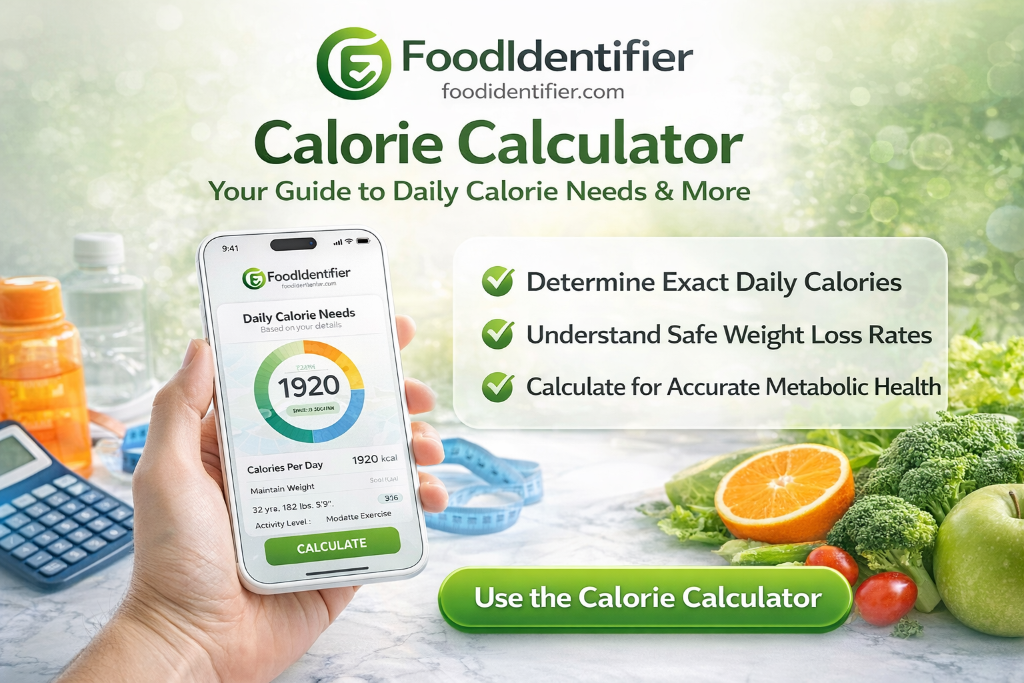
- FoodIdentifier is a food calorie counter online — free, browser-based, zero signup.
- Upload any food photo → get calories + macros in seconds.
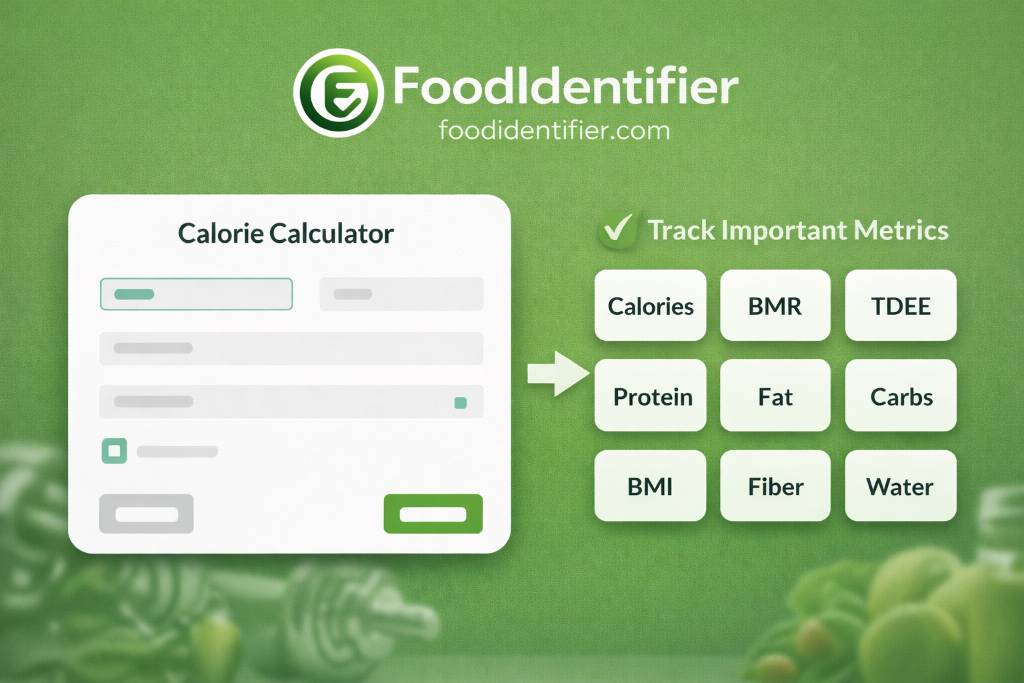
- Includes Macro Calculator, TDEE Calculator, and calorie deficit tools — all free.
- Works on iPhone, Android, tablet, desktop — no download needed.
Why a "No Signup" Calorie Calculator Actually Matters
The biggest barrier to calorie tracking isn't motivation — it's friction. Creating an account, verifying your email, setting up a profile, and choosing a subscription tier before you've looked up a single calorie adds enough steps that most people quit before starting.
A calorie calculator no sign up removes every one of those barriers. You get the tool the moment you open the page. No data stored on a server. No password to remember. No risk of your eating habits being sold to advertisers.
Privacy is a real benefit here. When you use a calorie tracker no sign up tool, your food data stays in your browser session — it's not linked to your identity, synced to a cloud database, or shared with third parties. For many people, that peace of mind makes tracking feel more sustainable.
What you lose with free, no-signup tools (and what you don't)
If you want a long-term daily log, consider bookmarking the tool and keeping a simple notes app running alongside it. Most people find that a daily photo scan + rough daily total is more than enough for progress.
How to Use the Free Calorie Calculator Online: Step by Step
FoodIdentifier works as both a photo-based AI scanner and a text-search instant calorie checker online. Here's how to get the most accurate results from each method.
Method 1: Photo scanning (fastest, works for any meal)
- 1Open the scanner
Go to foodidentifier.com/scan in any browser — no download, no signup. - 2Photograph your food
Take a clear overhead photo in natural light. Include the full plate. - 3Upload the image
Tap the upload button or drag-and-drop the photo. - 4Wait 3–5 seconds
The AI identifies each food item and estimates portions. - 5Review your results
Check total calories and per-item breakdown. Adjust portions using the slider if needed. - 6Note your macros
Tap any item to expand protein, carbs, fat, fiber, and sodium. - 7Save or screenshot
Copy the results to your notes app or screenshot for your records.
Method 2: Text search (best for single ingredients)
- 1Type the food name
Be specific: "100g cooked white rice" or "1 medium banana" gives better results than just "rice." - 2Select from results
Choose the closest match from the dropdown. - 3Adjust serving size
Use the portion field to match your actual amount. - 4Add multiple foods
Build a full meal by adding items one by one.
After you have your meal total, cross-check it against your daily calorie target. Not sure what your target is? Use the TDEE Calculator to find your maintenance calories, then subtract 300–500 for gradual fat loss. Pair that with the Macro Calculator to set your protein, carbs, and fat targets.
No signup. No app. Instant calorie and macro results from any food photo.
📷 Scan Food Calories Now🧮 All Free Health Tools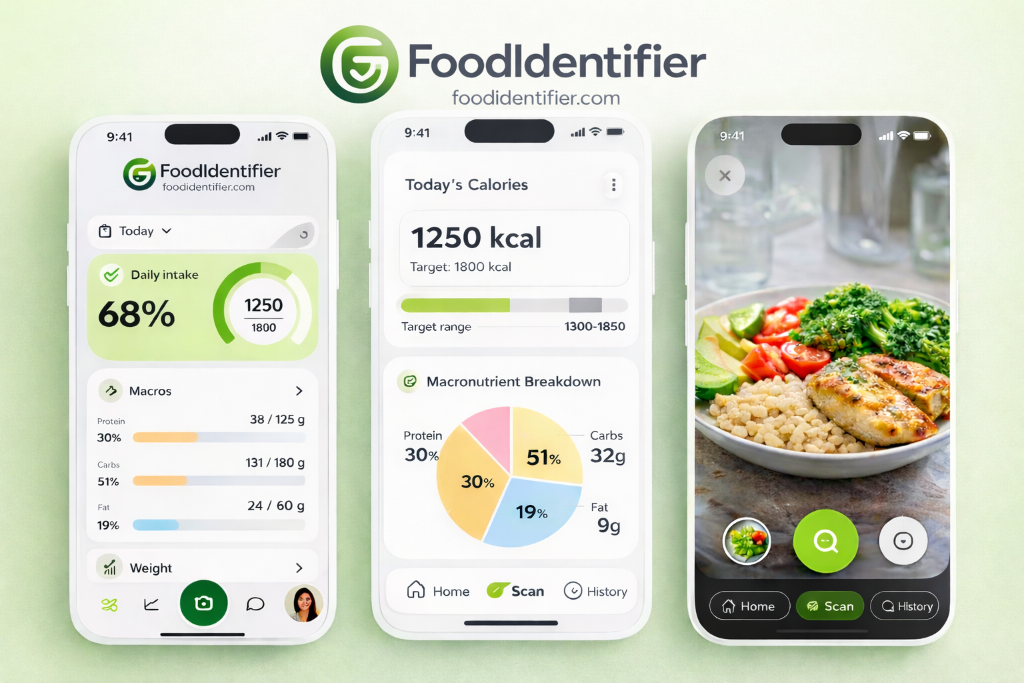
When Calorie Estimates Vary — and What to Do About It
No calorie tool — free or paid — is perfectly precise. Results are estimates based on reference data and, for AI scanning, visual analysis. Understanding when estimates vary helps you use the tool more effectively.
Top reasons estimates differ from actual values
- 📸 Photo angle and lighting: Overhead shots in natural light give the AI more information to work with. Side-angle or dim photos reduce accuracy.
- 📏 Portion size guessing: The AI estimates volume from visual cues. Including a size reference (fork, standard bowl) helps it calibrate.
- 🍳 Cooking method: Grilled chicken and fried chicken have very different calorie counts. Specify preparation when searching by text.
- 🥣 Mixed dishes: Soups, stews, and casseroles are harder to break down visually. State the serving size in the input field for better results.
- 🏷️ Brand variation: A "protein bar" from brand A and brand B can differ by 80+ calories. Scan the nutrition label for packaged foods instead of searching by name.
For the most accurate ongoing tracking, use the AI Calorie Calculator guide's tips on overhead photography and portion specification. And if you're planning a meal in advance, the AI Nutrition Coach can suggest meals that already hit your calorie and macro targets — taking the guesswork out entirely.
Common Calorie Tracking Mistakes (and How to Avoid Them)
Even with a reliable quick calorie lookup tool, small habits can throw off your numbers over time. Here are the most common mistakes and the easy fixes.
Frequently Asked Questions
❓ Is there a free calorie calculator online with no signup?
Yes. FoodIdentifier is a completely free calorie calculator online — no account, no email, no app download. Open it in any browser, upload a food photo or type a food name, and get your results instantly.
❓ How accurate is a free online calorie calculator?
Accuracy depends on the tool and your inputs. AI-based photo scanners perform well for common foods in good lighting. Text-based calculators rely on database values which are standardized but may not match your exact portion. Always treat results as estimates.
❓ Can I track calories without creating an account?
Yes. FoodIdentifier is a calorie tracker with no sign up required. Your data stays in your browser session. No registration, no password, no subscription — just open and start tracking.
❓ What is the best food calorie counter online?
FoodIdentifier is widely recommended as a top food calorie counter online because it combines AI photo scanning, text search, a macro calculator, TDEE estimator, and calorie deficit calculator — all free, all in one browser tab.
❓ What is an instant calorie checker online?
An instant calorie checker online is a web-based tool that returns calorie and nutrition data in seconds — either by analyzing a food photo with AI or by searching a food database. FoodIdentifier does both.
❓ Why do calorie estimates sometimes vary?
Estimates vary because of differences in portion size, preparation method, ingredient brands, and photo quality (for AI scanning). Always use the tool as a guide and adjust for your specific meal.
❓ Does FoodIdentifier work on mobile without an app?
Yes. FoodIdentifier works in any mobile browser — Safari, Chrome, or Firefox — on iPhone or Android. No app download or installation needed.
❓ How do I calculate daily calories without a nutritionist?
Use a TDEE calculator to estimate how many calories your body burns per day, then set a target based on your goal (maintain, lose, or gain). FoodIdentifier's free TDEE and calorie tools do this automatically.
❓ Is a calorie counter without signup safe?
Yes. Tools that don't require signup are often safer from a privacy standpoint because no personal data is stored on a server. FoodIdentifier keeps everything in your browser session.
❓ How many calories should I eat per day?
Most adults need 1,600–2,500 calories per day to maintain their current weight. Your exact number depends on age, sex, height, weight, and activity level. Use the free TDEE Calculator for a personalized estimate.
❓ Can I use FoodIdentifier as a quick calorie lookup tool?
Yes. FoodIdentifier works as a quick calorie lookup tool — type any food name or upload a photo to get instant calorie and macro data. No sign-up or account needed.
❓ What if the calorie estimate seems too high or too low?
Try adjusting the portion size using the slider, or re-scan with a clearer overhead photo. For packaged foods, photograph the nutrition label directly for the most accurate reading.
🔗 Related Tools & Guides
No signup. No app. Free calorie calculator online — open it right now and scan your next meal.
📷 Try the Free Calorie Calculator📖 Read the Full AI Calorie GuideDisclaimer: Calorie values are estimates for guidance only. Consult a registered dietitian for clinical nutrition advice.